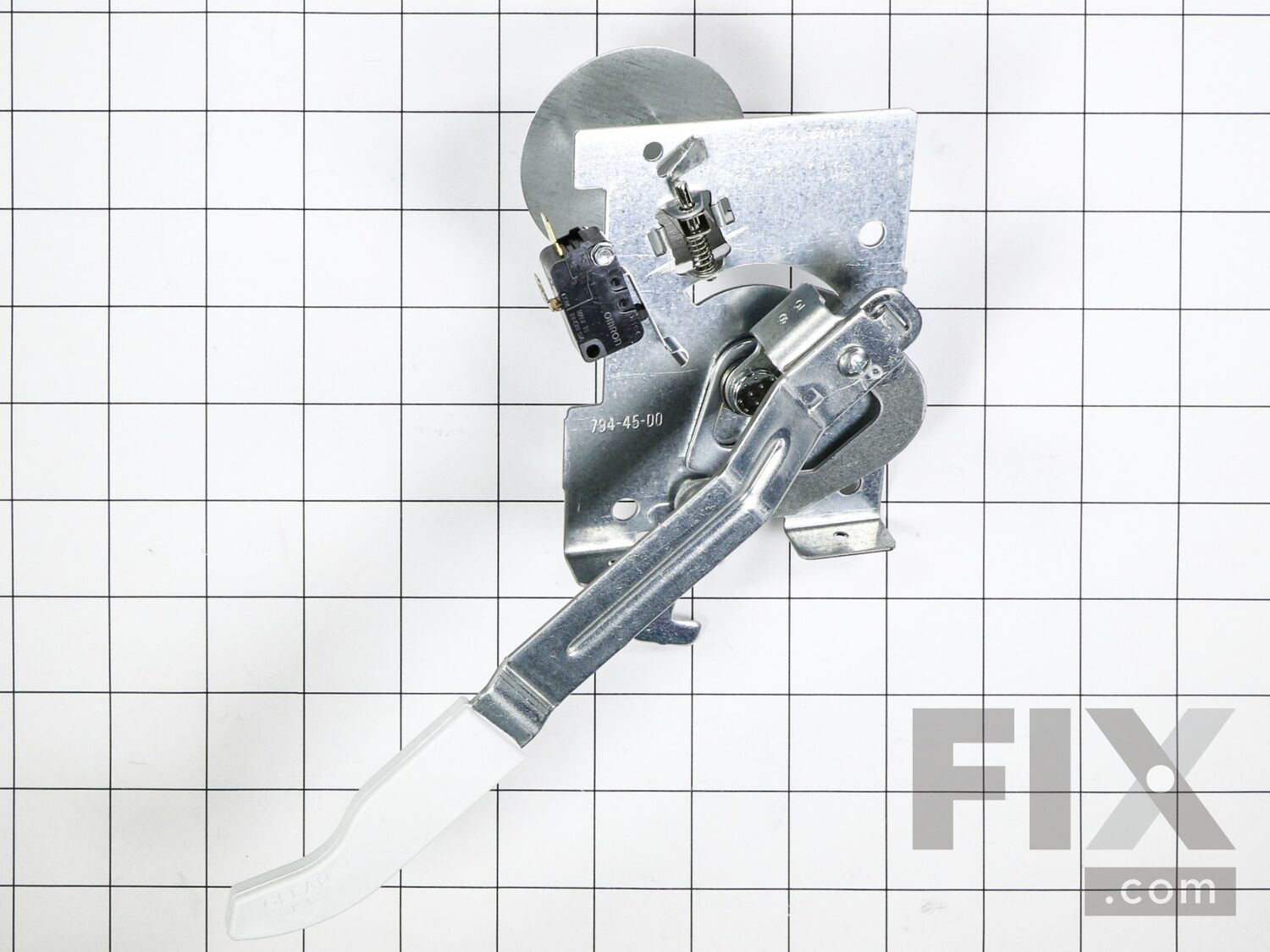
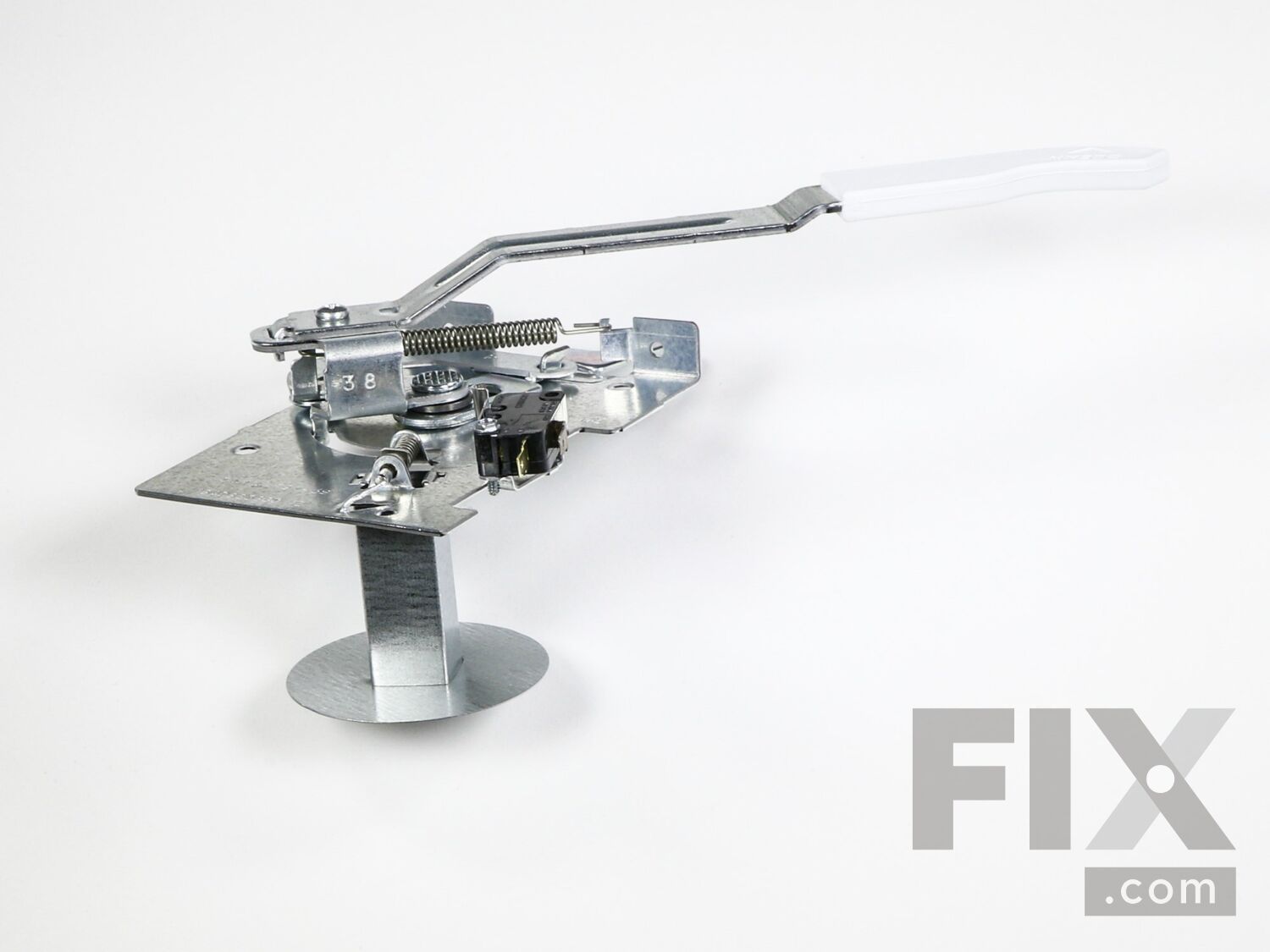
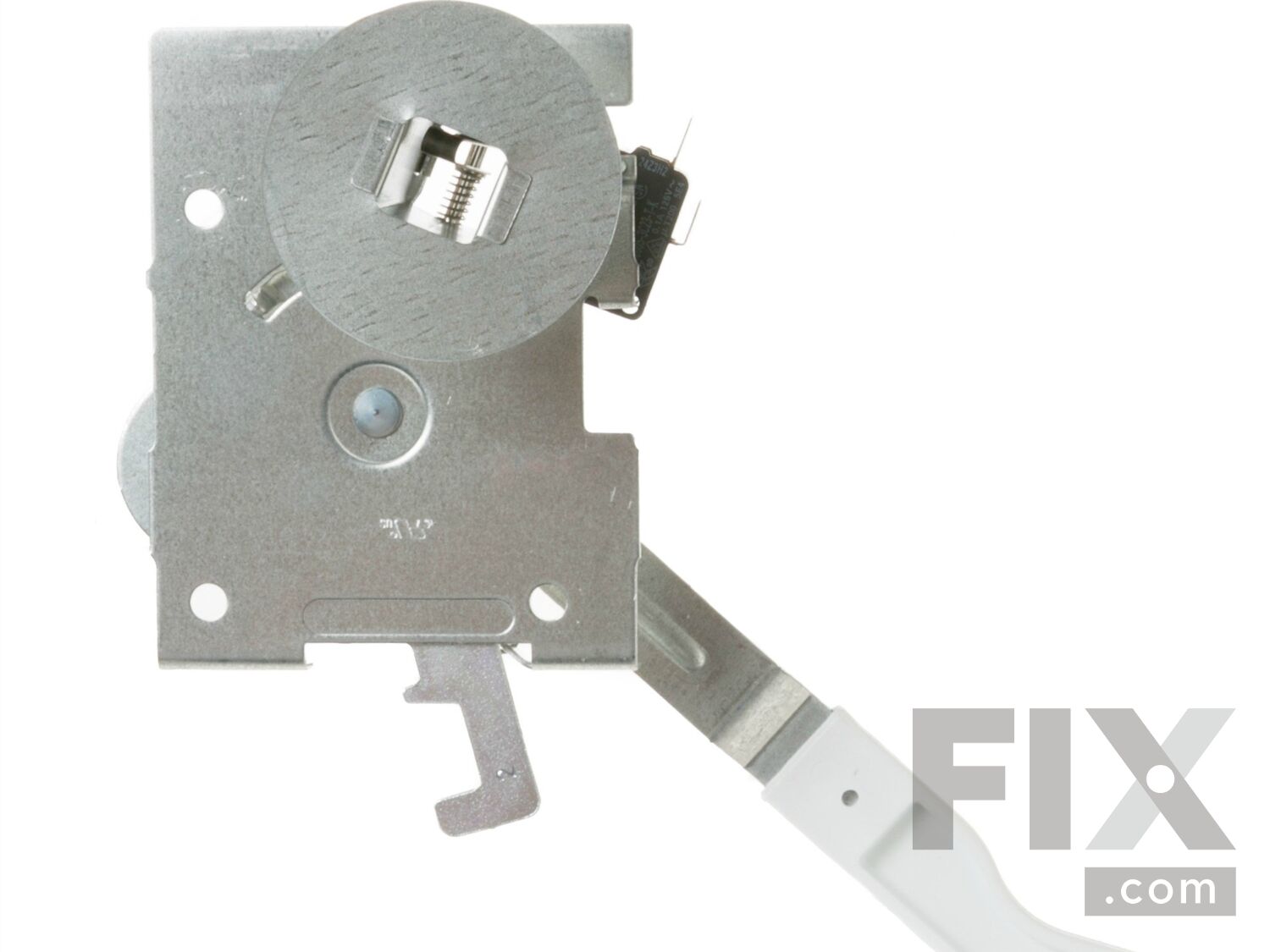
Part Location Diagram of WB14T10040 GE LATCH AND HANDLE Assembly
See part 151 in the diagram
( Grid squares measure 1x1 inch )

LATCH AND HANDLE Assembly WB14T10040

Rated by 1 customers 

?

Easy 

15 - 30 mins 

Ratings submitted by customers like you who bought this part.

?
$69.31
In Stock
Fix Number:
FIX1480960
Manufacturer #:
WB14T10040
Manufactured by:
GE

Product Description

Questions and Answers

Be the first to ask our experts a question about this part!

Installation Instructions Provided by Fix customers like you.

Average Repair Rating: 3.9 / 5.0, 1 reviews.
  • 1
Sort by:
Sorry, we couldn't find any existing installation instruction that matched.
Customer:
John from Myrtle Beach, SC
Parts Used:
WB14T10040
Difficulty Level:
Easy
Total Repair Time:
15 - 30 mins
Tools:
Nutdriver, Screw drivers
Damaged oven door latch trying to halt self-cleaning routine
Note--Turn power off in fuse box to the range. Now raise the top assembly of the stove until the springs engage below to hold it up. Remove single screw from cover over latch mechanism (6-point screwdriver) and set them aside. Remove screw in latch handle(phillips screwdriver). Remove 2 screws in front of oven that hold the latch mechanis m in place (1/4" nutdriver). When loose, you can remove the latch handle. Ease mechanism up thru the opening and disengage the 2 plugs/wires from the latch switch. Now the old latch mechanism can be discarded. Remove the screw from the handle of the new part. Plug the wires onto the new switch assy. Gently move assembly down into the opening clearing a small space in the insulation for the extension part on the bottom to rest in. With switch assembly in near the mounting position, move the handle assembly to the lock position. Now you can insert the handle thru the slot in the front panel and position and engage it properly on the assembly. Install the screw for the handle and tighten it. Using the handle for assistance, position the assembly to the front and install the 2 screws in the front of the oven ( I used an ice pick in one screw hole so I knew where both holes would be.) You can now tighten both screws. Activate the handle to see that it works properly. Put the top plate back down over the lock mechanism and insert screw. Tighten it down. Lower the top assembly by pushing back carefully on the spring latches. Restore power to the stove. lose oven door and again make sure it will lock/unlock. Final proof will be at your next self-cleaning operation.
0 of 1 people found this instruction helpful.
Was this instruction helpful to you?
Thank you for voting!
  • 1

Model Compatibility

This part works with the following models:
Fix Number: FIX1480960
Manufacturer Part Number: WB14T10040
Brand Model Number Description
General Electric EER2000M01WW Range - Electric
General Electric EER2000M02WW Range - Electric
General Electric EER3000L01TW Range - Electric
General Electric EER3000L02TW Range - Electric
General Electric EER4000N01WW Range
General Electric JB3000R1WW Range
General Electric JB3000R2WW Range
General Electric JB3000R3WW Range
General Electric JB620DR2WW Range
General Electric JB620DR3WW Range
General Electric JB640DIR1WW Range
General Electric JB640DIR2WW Range
General Electric JB640DIR4WW Range
General Electric JB640DN1WW Range
General Electric JB640DP1WW Range
General Electric JB640DR1WW Range
General Electric JB640DR2WW Range
General Electric JB640DR4WW Range
General Electric JB645CP1WW Range
General Electric JB645CP2WW Range
General Electric JB645DT1WW Range
General Electric JB650DN1WW Range
General Electric JB650DP2WW Range
General Electric JB650DT1WW Range
General Electric JB655DT1WW Range
General Electric JB660DM1WW Range - Electric
General Electric JB660DM2WW Range - Electric
General Electric JB660DP1WW Range
General Electric JB660DR1WW Range
General Electric JB660DR2WW Range