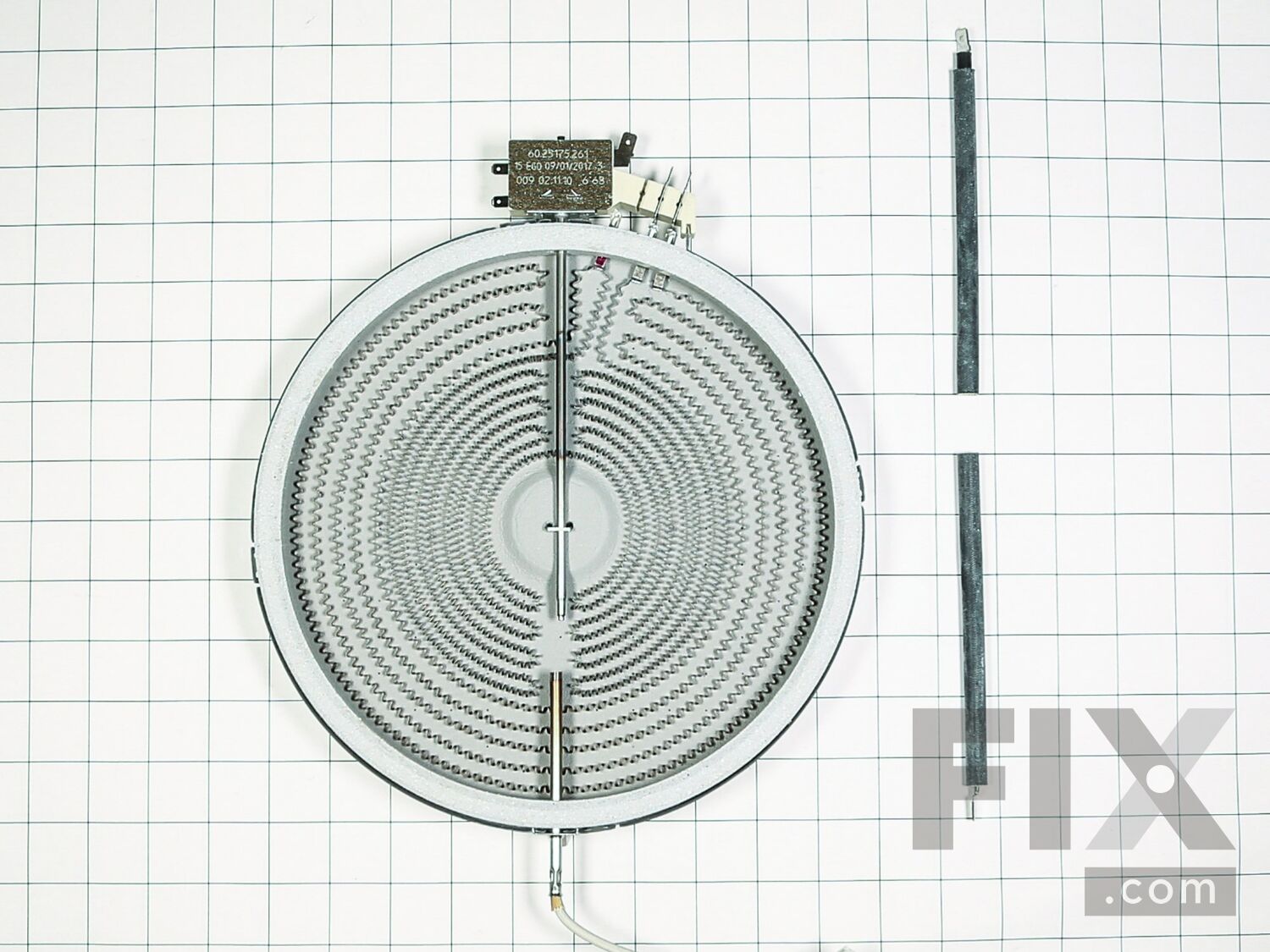
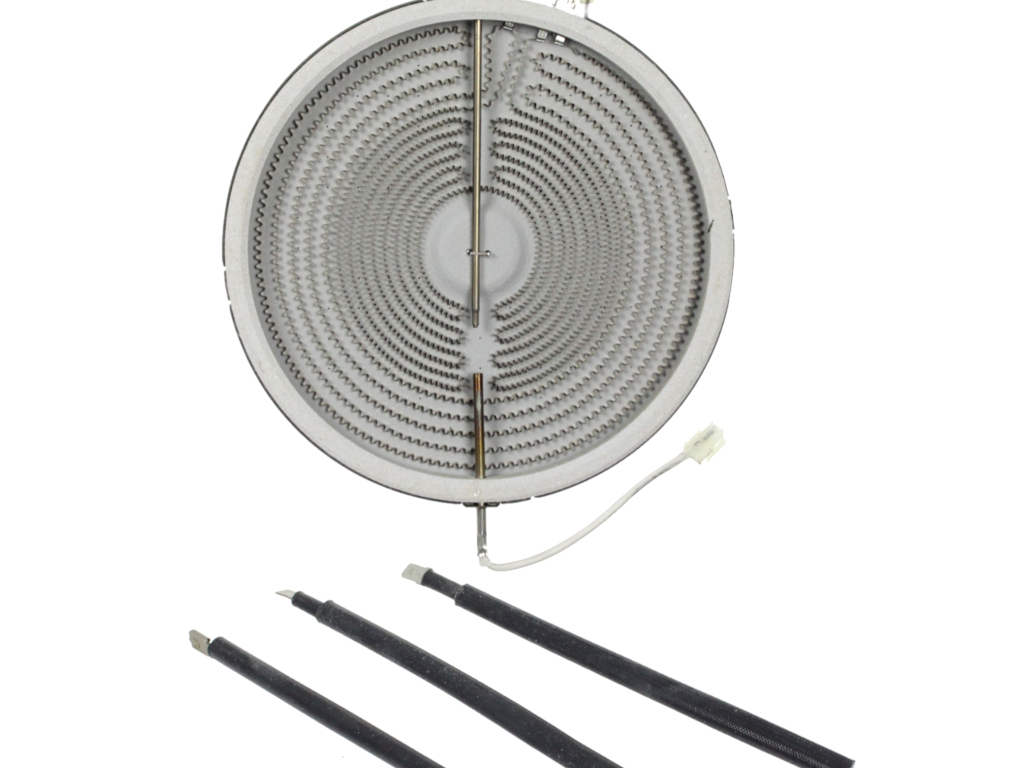
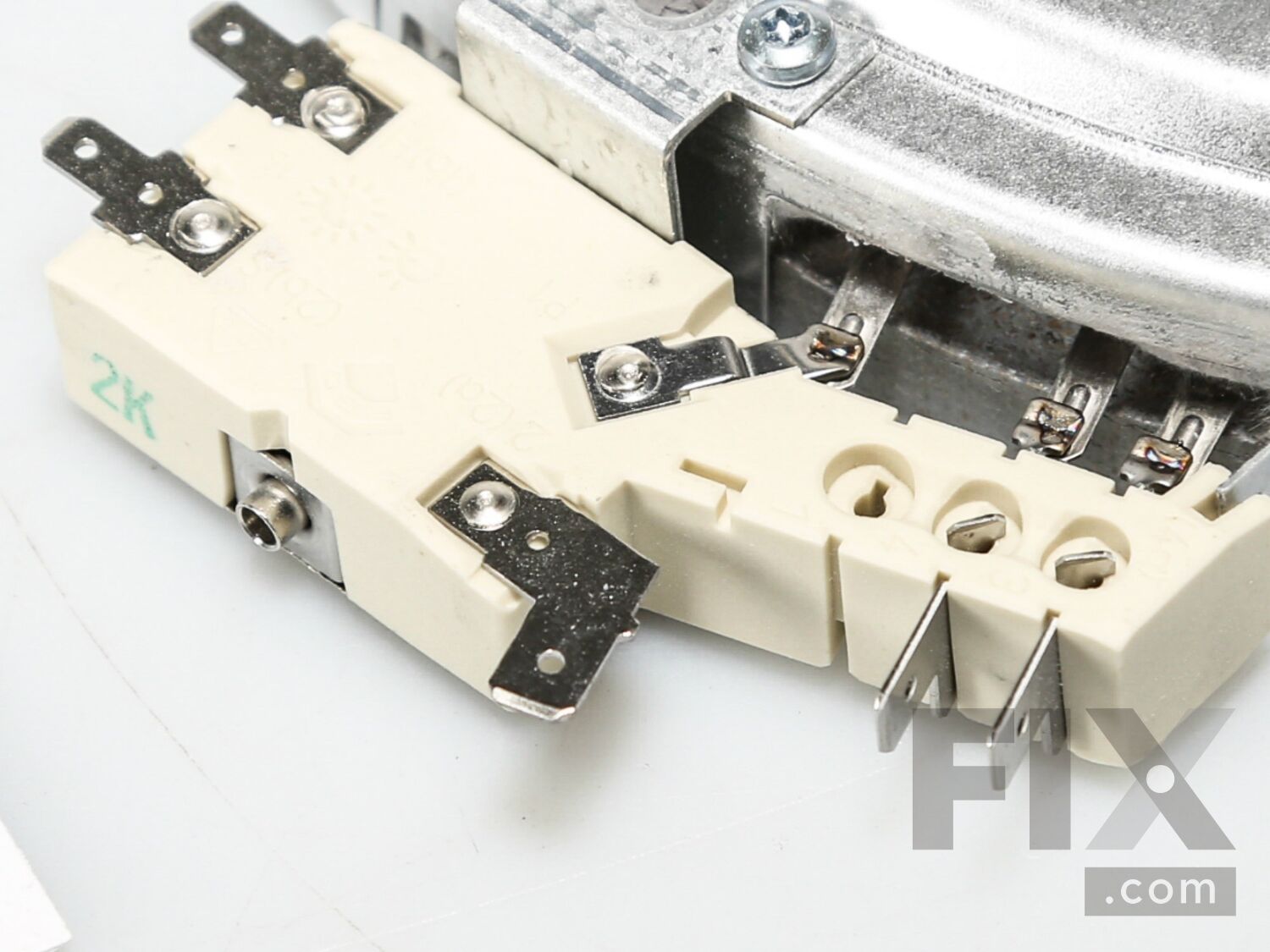
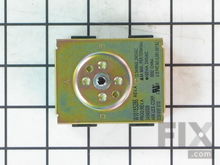
Range Dual Radiant Surface Element W10823722
$213.71
In Stock
- Fix Number:
- FIX11764924
- Manufacturer #:
- W10823722
- Manufactured by:
- Whirlpool
Product Description
-
Works with the following brands:Jenn-Air
-
Works with the following products:Range
-
Fixes the following symptoms:Element will not heat
-
Part# W10823722 replaces these:AP6030943, 74011575, WP74011575
- Works with the following brands:
- Jenn-Air
- Works with the following products
- Range
- Fixes the following symptoms
- Element will not heat
- Part# W10823722 replaces these:
- AP6030943, 74011575, WP74011575
Part Number Cross Reference
Questions and Answers
Be the first to ask our experts a question about this part!
Ask a Question
Ask our experts a question on this part and we'll respond as soon as we can.
Sorry, we couldn't find a match for "".
Here's a guide for finding your model number.
Something went wrong. Please try again later.
Your Question Has Been Submitted!
Our experts will send you an email as soon as your question has been answered.
Related Parts Additional or alternate parts to consider.
View More
View Less
Installation Instructions Provided by Fix customers like you.
- < Prev
- 1
- Next >
Sort by:
Search filter:
Clear Filter
Your search term must have 3 or more characters.
Keep searches simple. Use keywords, e.g. "leaking", "pump", "broken" or "fit".
Sorry, we couldn't find any existing installation instruction that matched.
- Customer:
- Andrew from Bellevue, WA
- Parts Used:
- WPW10185286, W10823722
- Difficulty Level:
- Easy
- Total Repair Time:
- 30 - 60 mins
Burner Switch failure, not heat from the Radiant Dual Element
I decided to replace the switch and the associated dual element (which may have over kill), but I could not tell if one caused the others failure. 1. turn off the Range breaker! 2. Pull out the appliance and remove 4 Philips screws on the LH and RH side. The remove the top 2 screws on the back panel either corner, to access and retain th
... Read more
e final 2 screws at the rear. 3. The top should now lift off. If not, you have not identified all the screws. Unplug the 4 or so cable harness connections. 4. Remove the knob on the failed switch and then unscrew from the from the front. 5. Pull off the connectors and reconnect to the new switch. Clean any residue (black) on any of the connectors. 6. Reinstall the switch. Now the Radiant burner. 1 Take a photo of this item noting all cable connections (just in case). 2.Unscrew all retaining screws and unplug and remove the unit. 3. Place the new Radiant burner in the same position as the old. Re-connect all cables and then screw in the retaining brackets in to place. 4. Now reinstall the top and reconnect all wire harnesses. While I had the back of the Range removed, I also replaced the Long thermostat. The securing screws are in the oven compartment and the connection is location at the rear LHS (Facing the range. If you find there is no power to the top when you test it, one of the harness connectors has not been pushed home properly. That's it :-)
Read less
0 of 1 people
found this instruction helpful.
Was this instruction helpful to you?
Thank you for voting!
- < Prev
- 1
- Next >
Mail-In Recycling Rebate
Some of the parts we sell are eligible for mail-in rebates since we can recycle them. We will display any applicable rebates in your shopping cart. To redeem your rebate, contact Customer Service after you have received your part.