Models
>
LST522
LST522 Black and Decker Trimmer
Jump to:
Find Part by Name
Keep searches simple, eg. "belt" or "pump".
Models for LST522
Click on the best match to narrow your results.
Diagrams for LST522
Viewing 1 of 1
Keep searches simple, eg. "belt" or "pump".
$6.51
This is an OEM replacement cover for a string trimmer or edger. The cover holds the spool and line securely inside the spool housing. If this part has cracked or damaged, it will need to be replaced. ...
In Stock
Order now and your part arrives by Oct 23
$16.35
Keep your trimming jobs quick and hassle-free with this genuine Black & Decker replacement spool. Designed for use with select string trimmer models, this part includes both the spool and pre-wound .0...
In Stock
Order now and your part arrives by Oct 23

This authentic string trimmer lever assembly is sold individually. The lever is what controls the amount of line that is fed from the auto-feed spool. The lever tends to wear over time, and so should ...
In Stock
Order now and your part arrives by Oct 23
$6.51
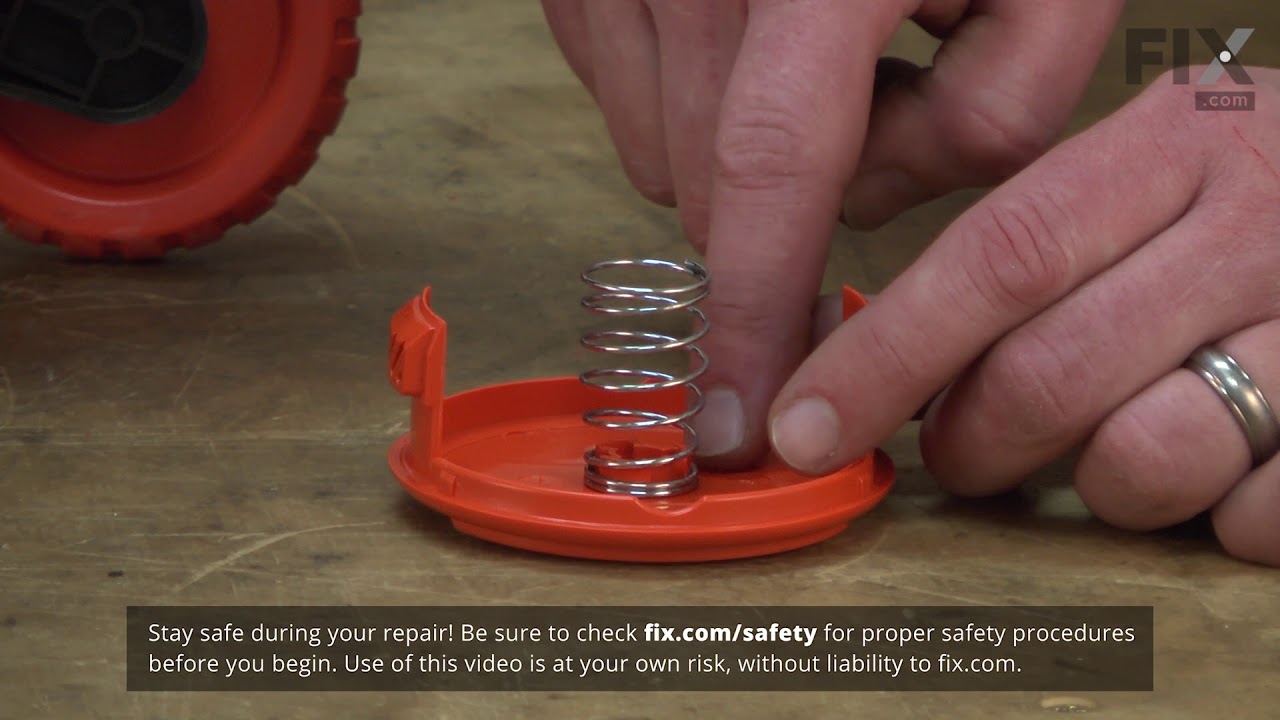
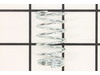
This is an OEM spring located between the spool and spool cover of your trimmer. It is designed to hold the spool in position. This spring can lose tension over time and may cause the trimmer head to ...
In Stock
Order now and your part arrives by Oct 23
$6.51
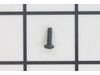
Genuine Black and Decker replacement part, this item is sold individually. This screw is used to secure the line cutting blade located on the trimmer guard on the models shown below. Depending on the ...
Special Order
$25.40
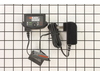
Genuine Manufacturer Sourced replacement part used on some Black and Decker Power Tools. This item is sold individually. Purchasing a charger will be less expensive than buying a new tool. Please note...
In Stock
Order now and your part arrives by Oct 23
$9.49
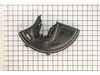
Genuine OEM replacement part used on Black and Decker String Trimmers. This part is made out of Plastic and it is Sold Individually. This part helps to direct grass trimmings away from the user as wel...
In Stock
Order now and your part arrives by Oct 23
$6.51
This item is an authentic Black and Decker replacement part that has been sourced from the original manufacturer to be used with trimmers. The metal blade attaches to the grass guard and is used to cu...
In Stock
Order now and your part arrives by Oct 23
$6.51
This replacement screw is a genuine OEM supplied item that is designed for use with Black and Decker and Dewalt power equipment. It has multiple uses depending on your unit, for correct application pl...
In Stock
Order now and your part arrives by Oct 23
In Stock
Order now and your part arrives by Oct 23
In Stock
Order now and your part arrives by Oct 23