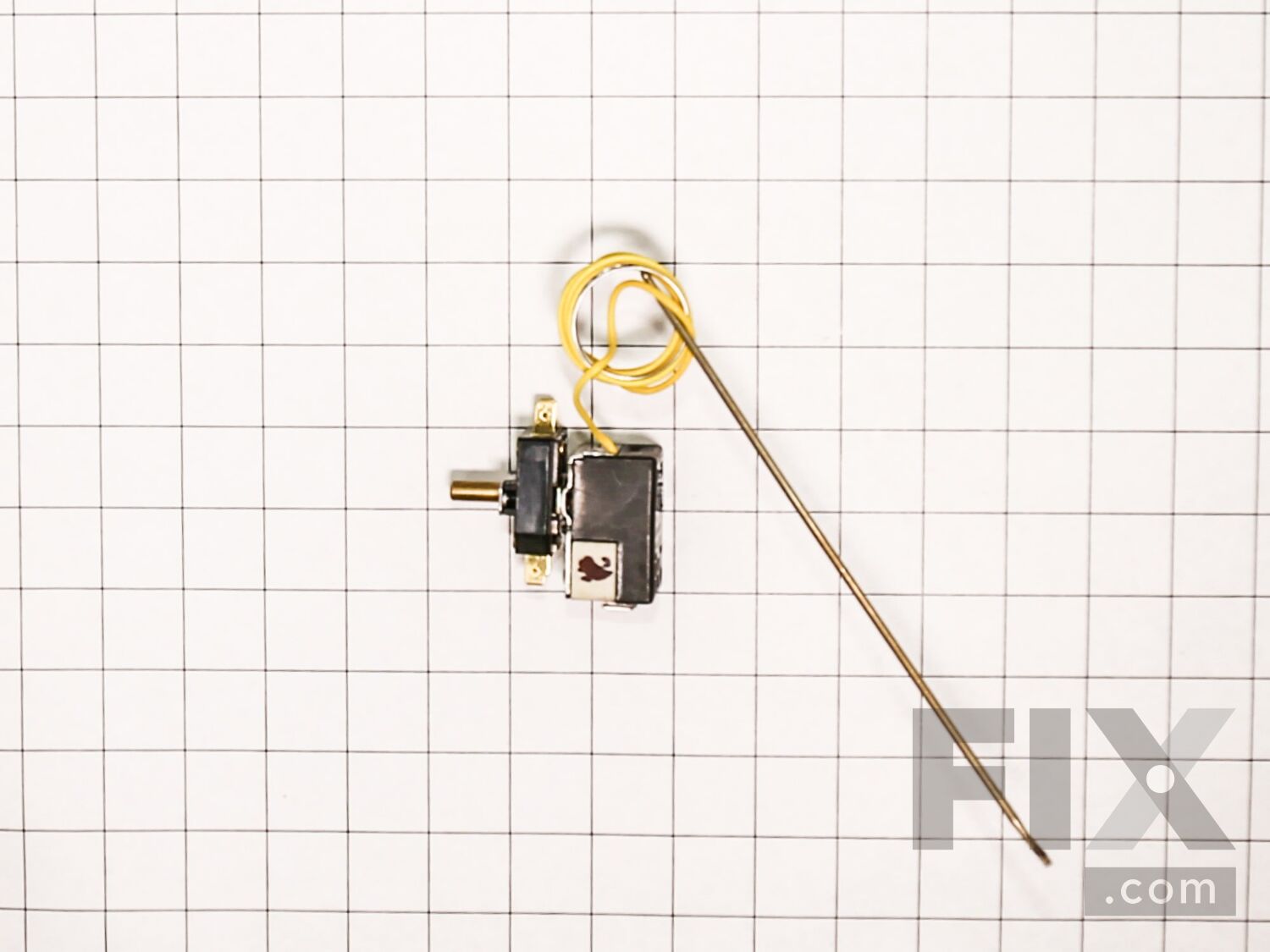
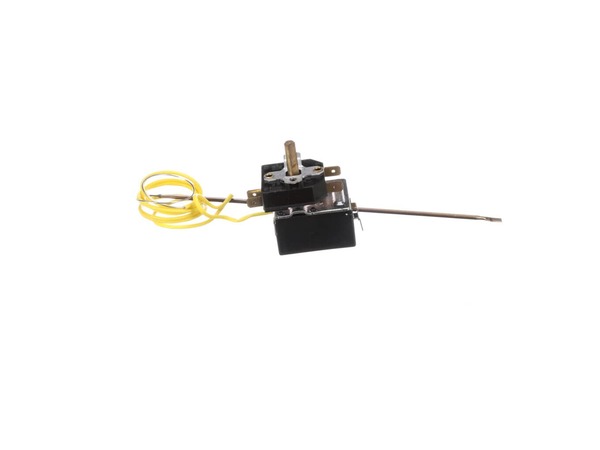
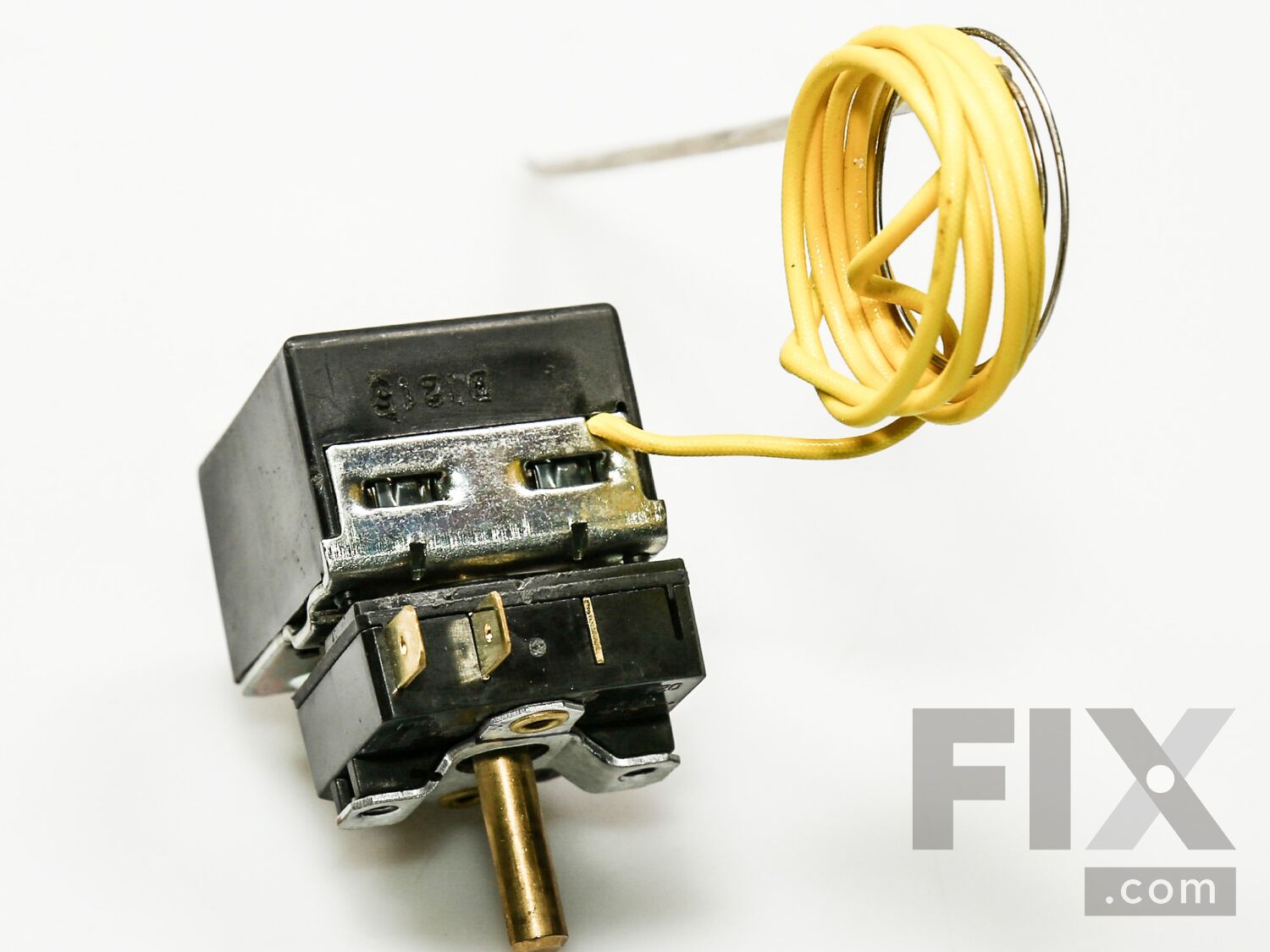
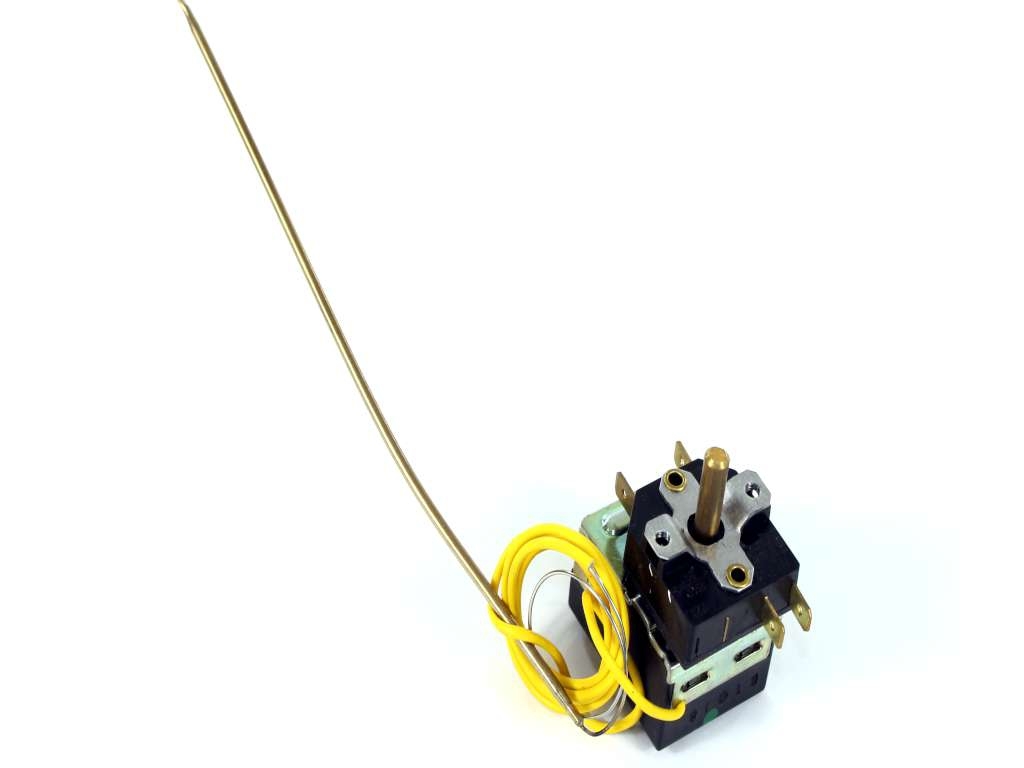
Electric Thermostat WB20K10035
$83.09
In Stock
- Fix Number:
- FIX3496800
- Manufacturer #:
- WB20K10035
- Manufactured by:
- GE
Jump to:
Product Description
-
Works with the following brands:General Electric
-
Works with the following products:Range
-
Part# WB20K10035 replaces these:WB20K10010
- Works with the following brands:
- General Electric
- Works with the following products
- Range
- Part# WB20K10035 replaces these:
- WB20K10010
Part Number Cross Reference
Questions and Answers
Be the first to ask our experts a question about this part!
Ask a Question
Ask our experts a question on this part and we'll respond as soon as we can.
Sorry, we couldn't find a match for "".
Here's a guide for finding your model number.
Something went wrong. Please try again later.
Your Question Has Been Submitted!
Our experts will send you an email as soon as your question has been answered.

Related Parts Additional or alternate parts to consider.
Installation Instructions Provided by Fix customers like you.
- < Prev
- 1
- Next >
Sort by:
Search filter:
Clear Filter
Your search term must have 3 or more characters.
Keep searches simple. Use keywords, e.g. "leaking", "pump", "broken" or "fit".
Sorry, we couldn't find any existing installation instruction that matched.
- Customer:
- John from Readyville, TN
- Parts Used:
- WB20K10035
- Difficulty Level:
- Really Easy
- Total Repair Time:
- Less than 15 mins
- Tools:
- Nutdriver, Screw drivers
oven light would not turn off when oven was not on.
1. Make sure the power is off. 2. Raise the top up and secure it in the brackets. 3. Use a small phillips screw driver and take out two screws on each side and four on the front of the stove. 4. Use a 1/4 nut driver to remove two screws underneath the front housing. 5. Pull the oven knob off. 6.Unscrew the oven switch from the housing. 7
... Read more
. Slide the housing out and remove the old switch. 8.Install the new switch make sure to place the wires exactly as they were on the old one. 9. You will have to reach in the back of the oven to slide the thermostat wire down into the oven secure it with two clips from the old one. 10.Install the new switch to the housing and install the housing and turn the power on to test the new switch. 11. Turn the power back off and finish installing all components.12. Turn the power back on and you are ready to cook.
Read less
0 of 1 people
found this instruction helpful.
Was this instruction helpful to you?
Thank you for voting!
- < Prev
- 1
- Next >
Model Compatibility
This part works with the following models:
Fix Number: FIX3496800
Manufacturer Part Number: WB20K10035
| Brand | Model Number | Description |
|---|---|---|
| General Electric | JBS15F3CT | Range - Electric |
| General Electric | JBS15F3WH | Range - Electric |
| General Electric | JBS15H1BB | Range - Electric |
| General Electric | JBS15H1CC | Range - Electric |
| General Electric | JBS15H1WW | Range - Electric |
| General Electric | JBS15HB | Range - GE Range/Stove/Oven Model JBS15HB Parts |
| General Electric | JBS15HC | Range - GE Range/Stove/Oven Model JBS15HC Parts |
| General Electric | JBS15HW | Range - GE Range/Stove/Oven Model JBS15HW Parts |
| General Electric | JBS15M1BB | Range |
| General Electric | JBS15M1CC | Range |
| General Electric | JBS15M1WW | Range - Electric |
| General Electric | JBS15M2BB | Range |
Mail-In Recycling Rebate
Some of the parts we sell are eligible for mail-in rebates since we can recycle them. We will display any applicable rebates in your shopping cart. To redeem your rebate, contact Customer Service after you have received your part.