



Models
>
GDS20KBSDBB
GDS20KBSDBB General Electric Refrigerator
Jump to:
Find Part by Name
Keep searches simple, eg. "belt" or "pump".
Keep searches simple, eg. "belt" or "pump".
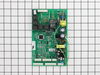
$408.23
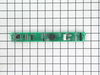
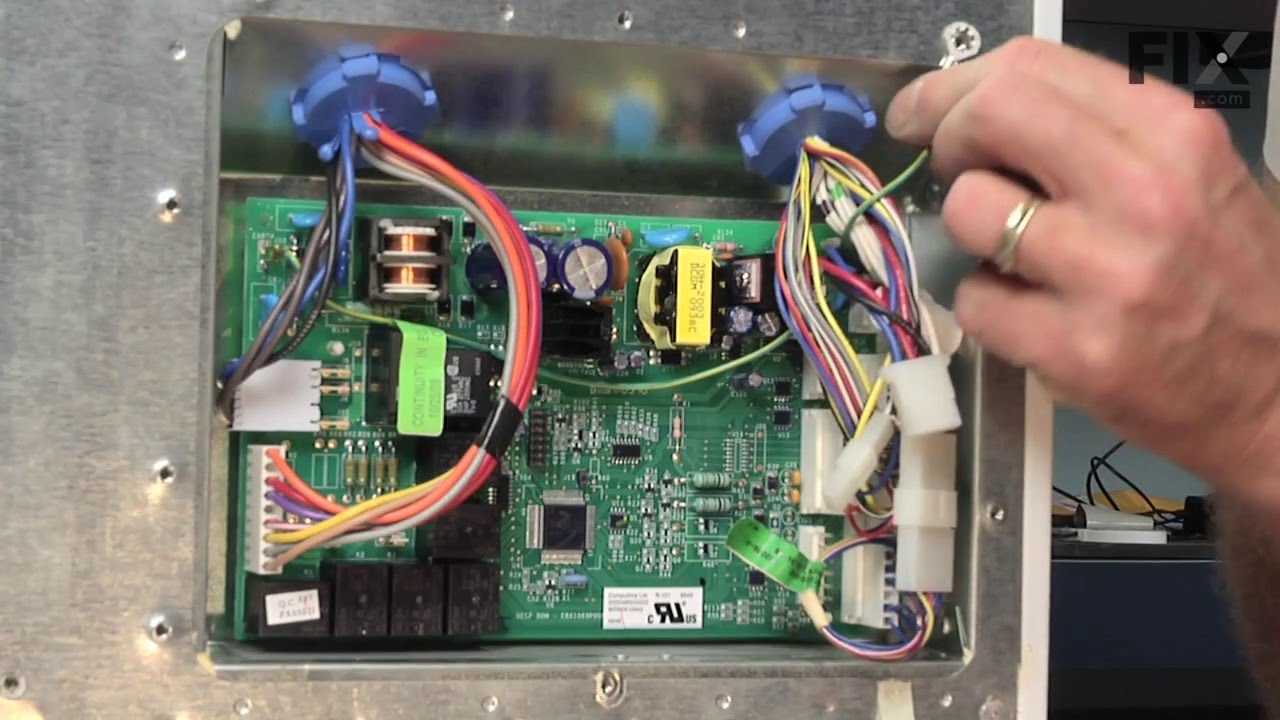
This electronic board (Main Control Board Assembly, Control Board, Motherboard) controls the temperature and defrost functions of the unit. This control board is located on the back of the refrigerato...
In Stock
Order now and your part arrives by Oct 11
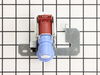
This single outlet valve has 1/4 inch compression fittings, and is intended for use with refrigerators that have ice makers that make crescent shaped ice cubes.
NOTE: As per the manufacturer this v...
In Stock
Order now and your part arrives by Oct 11
$58.95
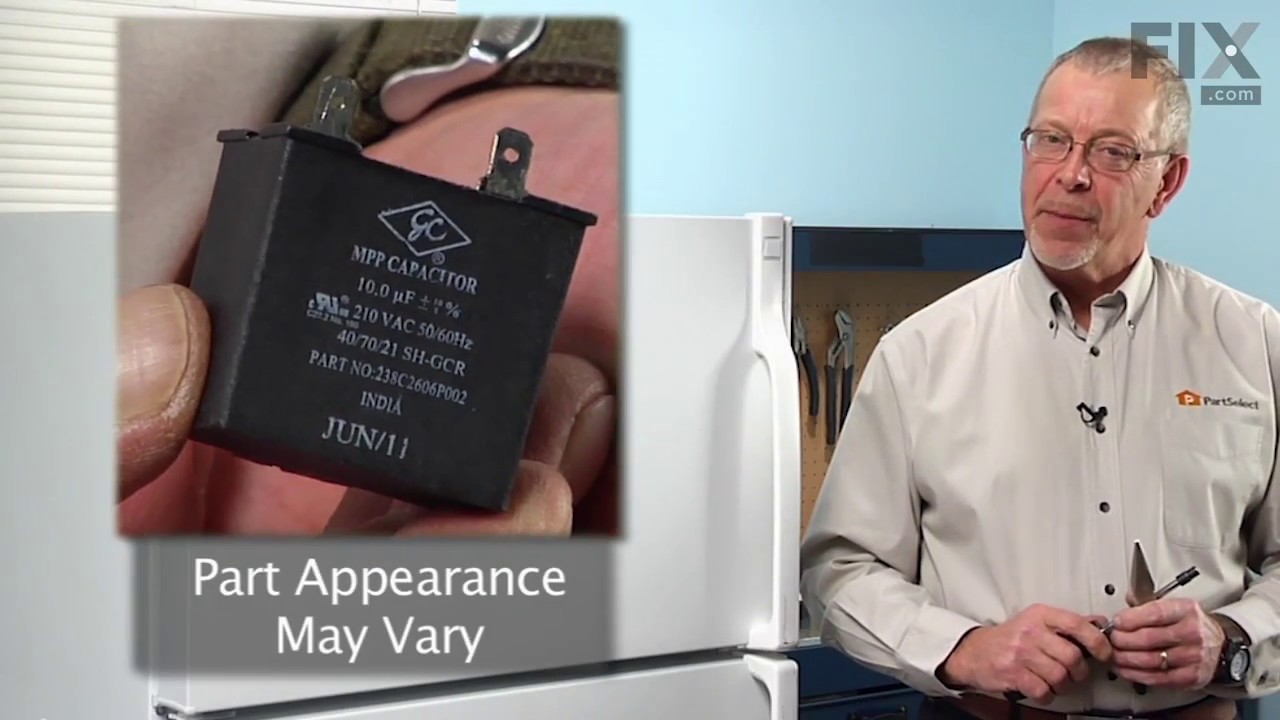
This part helps the compressor kick on and off while maintaining a constant temperature to keep things frozen in your freezer. This part has been updated by the manufacturer and may appear different t...
In Stock
Order now and your part arrives by Oct 11
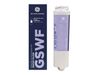
$71.11
This refrigerator water filter is designed to improve the taste and quality of water and ice by reducing common contaminants found in household water supplies. Installed using a convenient twist-and-l...
In Stock
Order now and your part arrives by Oct 11
In Stock
Order now and your part arrives by Oct 11
$143.17
The fan blade is not included. This motor operates the fan to help circulate the air for cooling of the compressor and the coils. It also helps to evaporate the excess water located in the drain pan.
In Stock
Order now and your part arrives by Oct 11
In Stock
Order now and your part arrives by Oct 11
In Stock
Order now and your part arrives by Oct 11
In Stock
Order now and your part arrives by Oct 11
Common Problems and Symptoms for GDS20KBSDBB
Viewing 18 of 18Will Not Start
Fixed by these parts
How to fix it
Fridge too warm
Fixed by these parts
How to fix it
Ice maker not making ice
Fixed by these parts
How to fix it
Freezer section too warm
Fixed by these parts
How to fix it
Clicking sound
Fixed by these parts
How to fix it
Leaking
Fixed by these parts
How to fix it
Not dispensing water
Fixed by these parts
How to fix it
Noisy
Fixed by these parts
How to fix it
Light not working
Fixed by these parts
How to fix it
Fridge and Freezer are too warm
Fixed by these parts
How to fix it
Ice maker won’t dispense ice
Fixed by these parts
How to fix it
Fridge runs too long
Fixed by these parts
How to fix it
Fridge too cold
Fixed by these parts
How to fix it
Freezer not defrosting
Fixed by these parts
How to fix it
Too warm
Fixed by these parts
How to fix it
Freezer too cold
Fixed by these parts
How to fix it
Frost buildup
Fixed by these parts
How to fix it
Won’t start
Fixed by these parts
How to fix it


Keep searches simple. Use keywords, e.g. "leaking", "pump", "broken" or "fit".
- Customer:
- John from Holly Springs, NC
- Parts Used:
- WR55X10942C
- Difficulty Level:
- Really Easy
- Total Repair Time:
- Less than 15 mins
- Tools:
- Nutdriver
The refrigerator made continous "whooing" sounds that increased and decreased in pitch. Sounded like a ghost. Would keep us up at night. Also noticed that the heater was not heating under the evaporator coils.
After checking the stories, the consensus of opinion was to change the mother board. I had a tremendous help from Tom Paone at [email protected]. He also told me to change the motherboard but to make sure that the coils were totally defrosted before starting up the refrigerator after changing the board.
Took off thr ... Read more ee nuts around the board at the back of the unit. Removed the input wires and you have to push in the plastic tabs holding the board in. Then just put the new board in place and push till the tabs click. Re-install the wires and put the cover back on.
Really simple task,
It is now a week since doing this and the unit is working perfectly. No soulds and good nights sleep. The ghost has moved on.
Took off thr ... Read more ee nuts around the board at the back of the unit. Removed the input wires and you have to push in the plastic tabs holding the board in. Then just put the new board in place and push till the tabs click. Re-install the wires and put the cover back on.
Really simple task,
It is now a week since doing this and the unit is working perfectly. No soulds and good nights sleep. The ghost has moved on.
Read less
Was this instruction helpful to you?
Thank you for voting!
- Customer:
- Alejandro from New York, NY
- Parts Used:
- WR55X10942C
- Difficulty Level:
- Really Easy
- Total Repair Time:
- Less than 15 mins
- Tools:
- Screw drivers
Refrigerator wouldn't cool, constant clicking noise
Unplug refrigerator. First I removed 3 screws to remove cover for Board ASM Main located on back of refrigerator then loosen Board by pressing on each of 4 plastic pins then unscrew ground wire (green) then transfer all plugs from old Board to new Board, put back new board through pins, screw back ground wire then put back cover then plug
... Read more
back refrigerator, took 5 minutes
Read less
Was this instruction helpful to you?
Thank you for voting!
- Customer:
- Jerry from Otisco, IN
- Parts Used:
- WR55X10942C
- Difficulty Level:
- Easy
- Total Repair Time:
- Less than 15 mins
- Tools:
- Screw drivers
Repeatedly stick in defrost, raising temps in fridge and freezer for hours at a time, some times for days. Repair tech was called out twice to look into this problem, but the temps returned to normal both times before he arrived, therefore, he never could diagnose the problem with a certainity as wh
The main board is easy to get to behind the access plate. You will find seven different wire harness plugs, six which are white, that are impossible to remove without breaking the retaining clips which hold them in place....but that's OK.....you are throwing away the old board anyway, so nothing lost. The plugs will snap back into each o
... Read more
f their respective terminal locations without a problem. Be sure to treat the four white, plastic pins that hold the board in place delicately....you will not want to mess those little dudes up!
Read less
Was this instruction helpful to you?
Thank you for voting!