




Models
>
PHG25PGTAFWW
PHG25PGTAFWW General Electric Refrigerator
Jump to:
Find Part by Name
Keep searches simple, eg. "belt" or "pump".
Diagrams for PHG25PGTAFWW
Viewing 11 of 11


Keep searches simple, eg. "belt" or "pump".
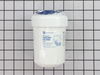
This is an OEM replacement water filter for your refrigerator. The manufacturer suggests replacing this filter every 6 months or 300 gallons of water. If not replaced regularly, you will risk contamin...
In Stock
Order now and your part arrives by Apr 9
$31.05
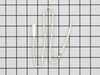
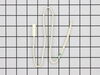
The temperature sensor, also referred to as a thermistor, is used to monitor the refrigerator and freezer internal temperatures. The sensor is a small capsule like device that is protected by a white ...
In Stock
Order now and your part arrives by Apr 9
$35.34
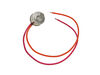
If your freezer has a buildup of frost, or is not maintaining the proper temperature, there may be an issue with the defrost thermostat. This device stops the evaporator coil from overheating while th...
In Stock
Order now and your part arrives by Apr 9
$14.16
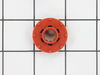
The evaporator fan grommet is used to provide a cushion between the fan motor and the motor mounting bracket in your freezer. This genuine OEM part is about one inch in diameter and is red in color. I...
In Stock
Order now and your part arrives by Apr 9
This is a genuine OEM replacement door flap for the ice maker in your refrigerator. This part goes by many different names, including door recess assembly, ice door assembly, dispenser door, ice chute...
In Stock
Order now and your part arrives by Apr 9
The dispenser door solenoid is the part that controls the flapper door on your ice maker, allowing it to open and close when dispensing ice. If your ice maker is not dispensing ice or water, the door ...
In Stock
Order now and your part arrives by Apr 9

$52.50
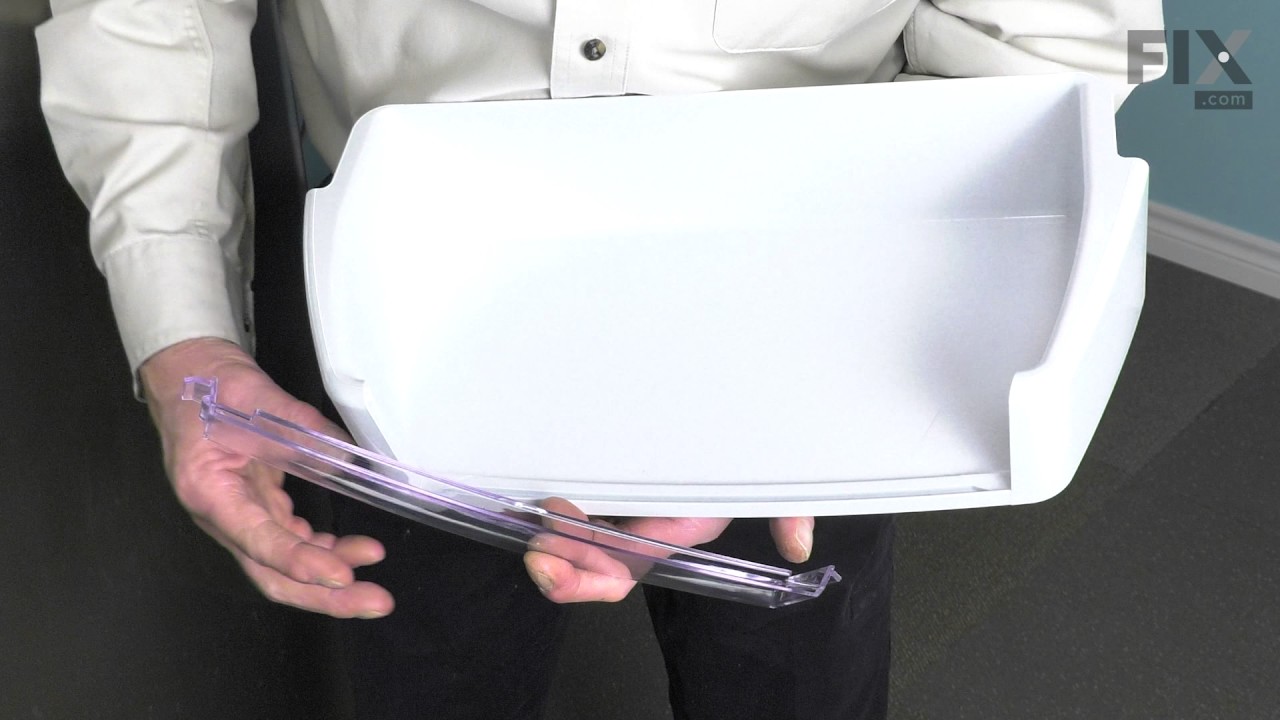
This is a genuine OEM replacement insert for the shelves found on your refrigerator door. This clear plastic insert fits into the front of the shelf and helps to keep bottles and containers in place. ...
In Stock
Order now and your part arrives by Apr 9
$57.30
This part is found at the end of the auger in the ice container - replace this part when the icemaker doesn't dispense ice.
In Stock
Order now and your part arrives by Apr 9
$15.26
This door recess spring or dispenser lever spring in your refrigerator is used to return the ice door to the closed position or the dispenser lever to the home position once released. You will find th...
In Stock
Order now and your part arrives by Apr 9

$29.98
This OEM dispenser lightbulb is sold individually. This light bulb is responsible for lighting up the dispenser area of your fridge. It is 12 volts, 6 watts, and has a screw-in base. For this simple t...
In Stock
Order now and your part arrives by Apr 9
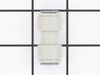
Quick connector for plastic water line - 5/16" to 5/16"
In Stock
Order now and your part arrives by Apr 9
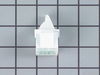
This genuine OEM light switch is used to control the light in your refrigerator. When the fridge door is closed, it depresses the switch and turns the light off. When the fridge door opens, it release...
In Stock
Order now and your part arrives by Apr 9
Questions and Answers
We're sorry, but our Q&A experts are temporarily unavailable.
Please check back later if you still haven't found the answer you need.
Common Problems and Symptoms for PHG25PGTAFWW
Viewing 25 of 25Fridge too warm
Fixed by these parts


How to fix it
Freezer section too warm
Fixed by these parts
How to fix it
Noisy
Fixed by these parts


How to fix it
Not dispensing water
Fixed by these parts


How to fix it
Leaking
Fixed by these parts

How to fix it
Ice maker won’t dispense ice
Fixed by these parts

How to fix it
Freezer not defrosting
Fixed by these parts
How to fix it
Light not working
Fixed by these parts


How to fix it
Fridge too cold
Fixed by these parts
How to fix it
Ice maker not making ice
Fixed by these parts

How to fix it
Frost buildup
Fixed by these parts
How to fix it
Door Sweating
Fixed by these parts

How to fix it
Door won’t open or close
Fixed by these parts
How to fix it
Fridge and Freezer are too warm
Fixed by these parts

How to fix it
Door latch failure
Fixed by these parts
How to fix it
Too warm
Fixed by these parts
How to fix it
Freezer too cold
Fixed by these parts
How to fix it
Fridge runs too long
Fixed by these parts
How to fix it
Ice maker dispenses too little ice
Fixed by these parts
How to fix it
Will Not Start
Fixed by these parts
How to fix it
Clicking sound
Fixed by these parts
How to fix it
Doesn’t stop running
Fixed by these parts
How to fix it
Ice maker dispenses too much ice
Fixed by these parts
How to fix it
Too cold
Fixed by these parts
How to fix it
Touchpad does not respond
Fixed by these parts
How to fix it
Keep searches simple. Use keywords, e.g. "leaking", "pump", "broken" or "fit".
- Customer:
- Fred from River Ridge, LA
- Parts Used:
- MWFP, WR17X11459
- Difficulty Level:
- Easy
- Total Repair Time:
- Less than 15 mins
Ice Maker stopped dispensing ice through Ice Maker Dispensor.
After taking Ice Maker's ice collection container out, I noticed that the plastic cup drive was broken. I did a websearch for repair and replacement parts for our GE refrigerator. I found PartSelect website easy to navigate and find the replacement part necessary...and placed an order.
Once I received the shipment, I placed the ... Read more Cup Drive into position and used the flat edge of a knife to allow the Cup Drive to slide into the tight-fitting position necessary. After positioning into place, I placed the ice collection bin back into the freezer...turned the ice-maker back on...and waited for ice to be made. A day later, the ice maker had produced enough ice to test the ice maker's dispensing mechinism. The cup drive worked perfectly...and ice began to be dispensed. The dispensor has been working ever since.
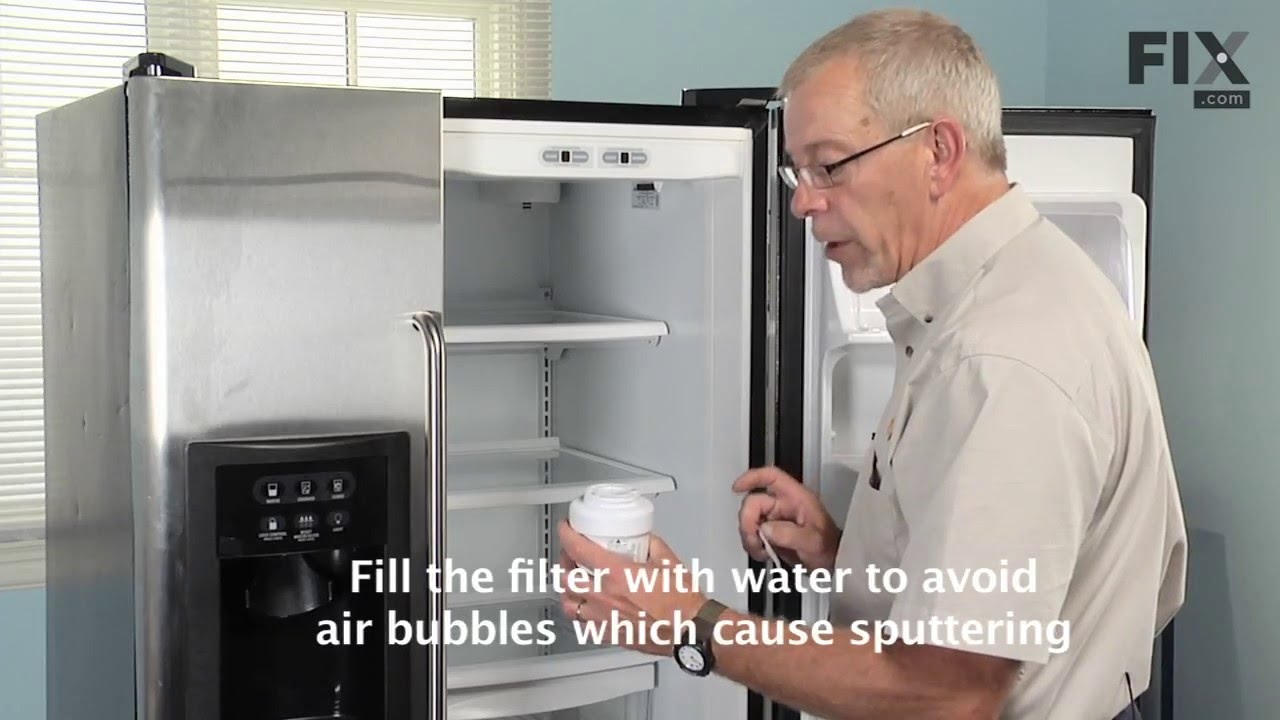
I also replace the ice and water filter...another very easy task...of unscrewing the old and replacing with the new filter. After replacing the filter, I let the water dispensor run for 2 minutes to flush all air out the system. The water dispensor work perfectly.
Once I received the shipment, I placed the ... Read more Cup Drive into position and used the flat edge of a knife to allow the Cup Drive to slide into the tight-fitting position necessary. After positioning into place, I placed the ice collection bin back into the freezer...turned the ice-maker back on...and waited for ice to be made. A day later, the ice maker had produced enough ice to test the ice maker's dispensing mechinism. The cup drive worked perfectly...and ice began to be dispensed. The dispensor has been working ever since.
I also replace the ice and water filter...another very easy task...of unscrewing the old and replacing with the new filter. After replacing the filter, I let the water dispensor run for 2 minutes to flush all air out the system. The water dispensor work perfectly.
Read less
Was this instruction helpful to you?
Thank you for voting!
- Customer:
- Gerald from San Clemente, CA
- Parts Used:
- WR55X10025, WR02X10552
- Difficulty Level:
- Easy
- Total Repair Time:
- 15 - 30 mins
- Tools:
- Screw drivers
Fridge too warm, evaporator icing up
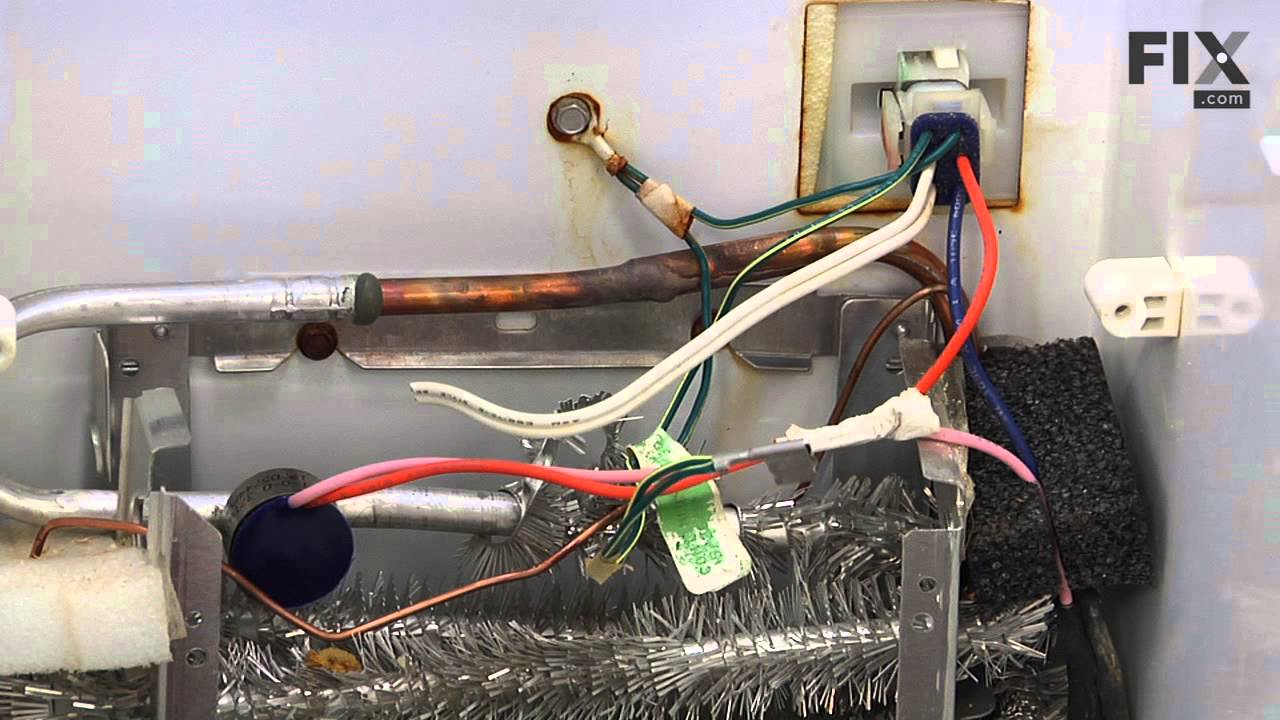
After replacing the defrost heater, main board and thermistor I still had the same problem. Called a repair guy and he (with the help of GE on the phone) diagnosed that the temperature sensor was bad. So I ordered from partselect and installed it and it fixed the problem. Been good for a couple months (knocking on wood). To install I
... Read more
had to cut the 2 wires to the old sensor, crimp the 2 new wires on and snap the new sensor to the clip on the evaporator. Very easy. Make sure you seal the ends of the wire crimps so moisture doesn't get in and corrode the connection.
Read less
Was this instruction helpful to you?
Thank you for voting!
- Customer:
- Mike from Scottsdale, AZ
- Parts Used:
- WR50X10068, WR55X10025
- Difficulty Level:
- Easy
- Total Repair Time:
- 15 - 30 mins
- Tools:
- Nutdriver, Screw drivers
Freezer wouldn't maintain temperature ... got warm.
The freezer in my side-by-side kept warming up -- often 20 degrees or more, which of course caused the fresh food side to warm up also. I do a lot of jump-in-with-both-feet home repairs, but never on a large appliance. Not having an ohmmeter, which cost about $100 for a reliable one, I took the symptoms to the internet. Countless self-hel
... Read more
p sites and U-Tube videos later, I was positive it was one of two possible problems, either the defrost thermostat was broken and the defroster wasn't coming out of its cycle or the temperature sensor wasn't reading the correct temp and thus kicking in the fan motor when needed. Fortunately I found both parts easily on PartSelect.com and the total cost for both, including shipping, was $30, less than 1/3 of the cost of an ohmmeter. Not knowing for sure which part it was that was bad, I ordered both, figuring, since I had to pull out the panel anyway, I might just as well replace them both ... the price was right. (In retrospect I should have order 4 Temperature Sensors as my fridge has two in both the freezer side and the Fresh Food side. Any one of them being bad could have caused the same problem. Fortunately, I was lucky because it was either ONLY the Defrost Thermostat or I just happened to pick the right Sensor, but the repair worked.)
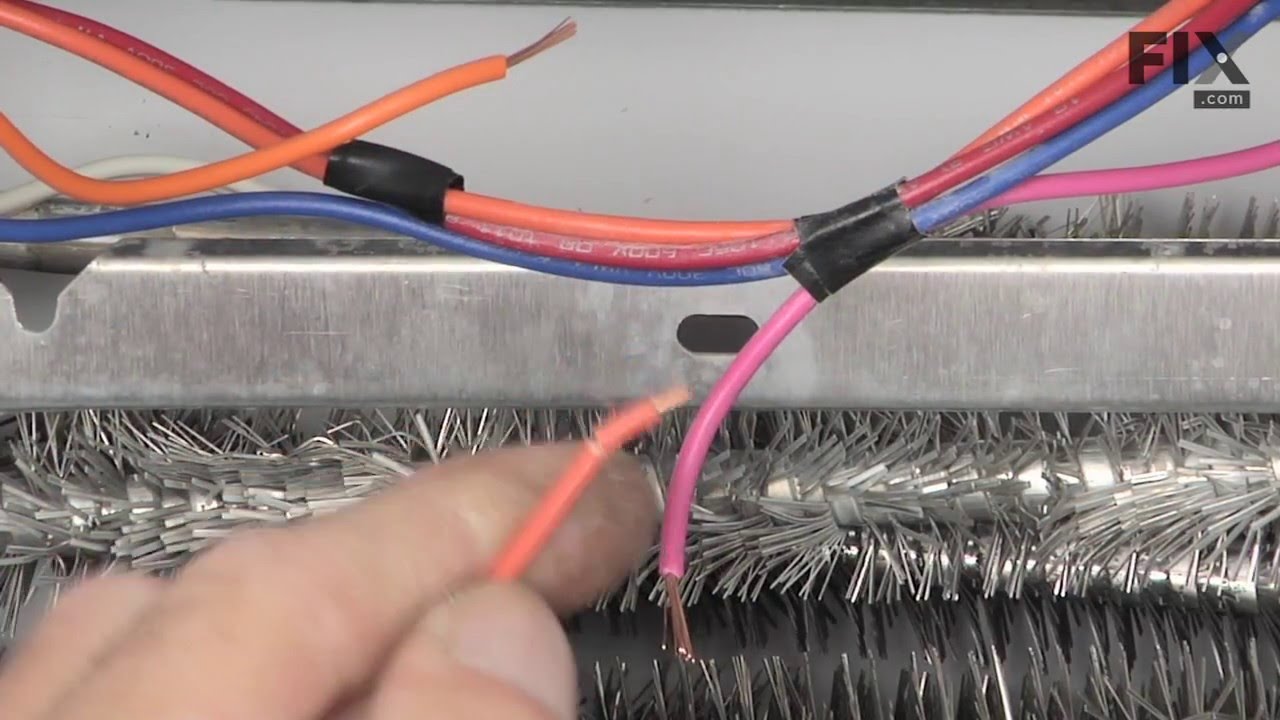
The repair was easy: Unplug the power. A Nut Driver removed the four screws holding on the panel in the back of the freezer. A screw driver removes the one screw holding the lamp cover in place. Remove the light bulbs, pull off the panel and right above the freezer coils you'll see both parts -- plain as day. (If your coils are clogged with ice, you will probably need de-ice first.) Cut the wires to both parts as close to the parts as you can to leave as much wire exposed as possible. Strip the ends of all four wires about 1/2 inch and also on the new parts. Match up the wires in the fridge to the wires on the parts and twist the ends together (Note: both wires on the Sensor are white so they match up either way, but the two wire on the thermostat will need to match up orange to orange and pink to pink.) I used silicone filled wire nuts, which you can buy at any hardware store or use your own wing nuts and fill them with silicone or shoe goo which works just as well ... anything to keep the moisture out and prevent the wires ends from corroding. Tuck the wires up and replace the panel, light bulbs and light cover That's it. Very easy. By far the hardest part was wedging my wide body into the narrow freezer compartment. Some one-handed work added a little extra time to the project.
In my case the freezer fan didn't kick in for about twenty minutes after I plugged it back in, but I assume that it either begins in the defrost mode or it takes that long for it to reset itself ... either way the repair worked great.
The repair was easy: Unplug the power. A Nut Driver removed the four screws holding on the panel in the back of the freezer. A screw driver removes the one screw holding the lamp cover in place. Remove the light bulbs, pull off the panel and right above the freezer coils you'll see both parts -- plain as day. (If your coils are clogged with ice, you will probably need de-ice first.) Cut the wires to both parts as close to the parts as you can to leave as much wire exposed as possible. Strip the ends of all four wires about 1/2 inch and also on the new parts. Match up the wires in the fridge to the wires on the parts and twist the ends together (Note: both wires on the Sensor are white so they match up either way, but the two wire on the thermostat will need to match up orange to orange and pink to pink.) I used silicone filled wire nuts, which you can buy at any hardware store or use your own wing nuts and fill them with silicone or shoe goo which works just as well ... anything to keep the moisture out and prevent the wires ends from corroding. Tuck the wires up and replace the panel, light bulbs and light cover That's it. Very easy. By far the hardest part was wedging my wide body into the narrow freezer compartment. Some one-handed work added a little extra time to the project.
In my case the freezer fan didn't kick in for about twenty minutes after I plugged it back in, but I assume that it either begins in the defrost mode or it takes that long for it to reset itself ... either way the repair worked great.
Read less
Was this instruction helpful to you?
Thank you for voting!