Models > NE59N6650SG

NE59N6650SG (AA-00) Samsung Range

Jump to:

Find Part by Name

Keep searches simple, eg. "belt" or "pump".

Diagrams for NE59N6650SG

Viewing 5 of 5
Keep searches simple, eg. "belt" or "pump".
In Stock
Order now and your part arrives by Mar 19
This oven temperature sensor helps regulate heat by detecting the internal temperature during cooking. It includes a 3.9-inch probe, a 3.2-inch wire harness, and a 1.7-inch support bracket. If your ov...
In Stock
Order now and your part arrives by Mar 19
In Stock
Order now and your part arrives by Mar 19
This infinite switch, also known as a regulator control, is designed for triple burner elements in compatible range ovens. Located within the control panel, it manages the operation of the surface ele...
In Stock
Order now and your part arrives by Mar 19
$29.82
In Stock
Order now and your part arrives by Mar 19
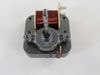
The convection fan motor spins the fan blade to circulate hot air through the oven for even heating.
In Stock
Order now and your part arrives by Mar 19
In Stock
Order now and your part arrives by Mar 19
$140.95
In Stock
Order now and your part arrives by Mar 19
Sold individually.
In Stock
Order now and your part arrives by Mar 19
In Stock
Order now and your part arrives by Mar 19
On Order
Left hand thread.
In Stock
Order now and your part arrives by Mar 19

Questions and Answers

Be the first to ask our experts a question about this part!

Common Problems and Symptoms for NE59N6650SG

Viewing 8 of 8
Little to no heat when baking
Fixed by these parts
Fixing Fixing
How to fix it
Oven not heating evenly
Fixed by these parts
Fixing Fixing Fixing
How to fix it
No heat
Fixed by these parts
Fixing
How to fix it
Doesn’t shut off
Fixed by these parts
Fixing
How to fix it
Element will not heat
Fixed by these parts
Fixing Fixing
How to fix it
Oven is too hot
Fixed by these parts
Fixing Fixing
How to fix it
Won’t turn on
Fixed by these parts
Fixing
How to fix it
Door won’t open after self cleaning cycle
Fixed by these parts
Fixing
How to fix it
Keep searches simple. Use keywords, e.g. "leaking", "pump", "broken" or "fit".
Customer:
Steven from CHEYENNE, WY
Parts Used:
DG32-00002B
Difficulty Level:
Easy
Total Repair Time:
15 - 30 mins
Tools:
Screw drivers
Oven would not heat consistently
My barely 4 year old Samsung range/oven began not heating consistently. Even though it said 350, for example, we had to increase to 465 to get it to bake. Thought it was the temperature sensor. Ordered and installed new one easily. That didn't solve the problem. So, rather than throw more money at parts that may not have resolved the issue, I got a new Amana range. Samsung appliances go to my 'do not buy' list along with LG!
31 of 58 people found this instruction helpful.
Was this instruction helpful to you?
Thank you for voting!
Customer:
Jimmie D. from THOMPSON, MO
Parts Used:
DG44-01007B
Difficulty Level:
Really Easy
Total Repair Time:
30 - 60 mins
Tools:
Screw drivers
The triple burner switch would only stay on the highest setting.
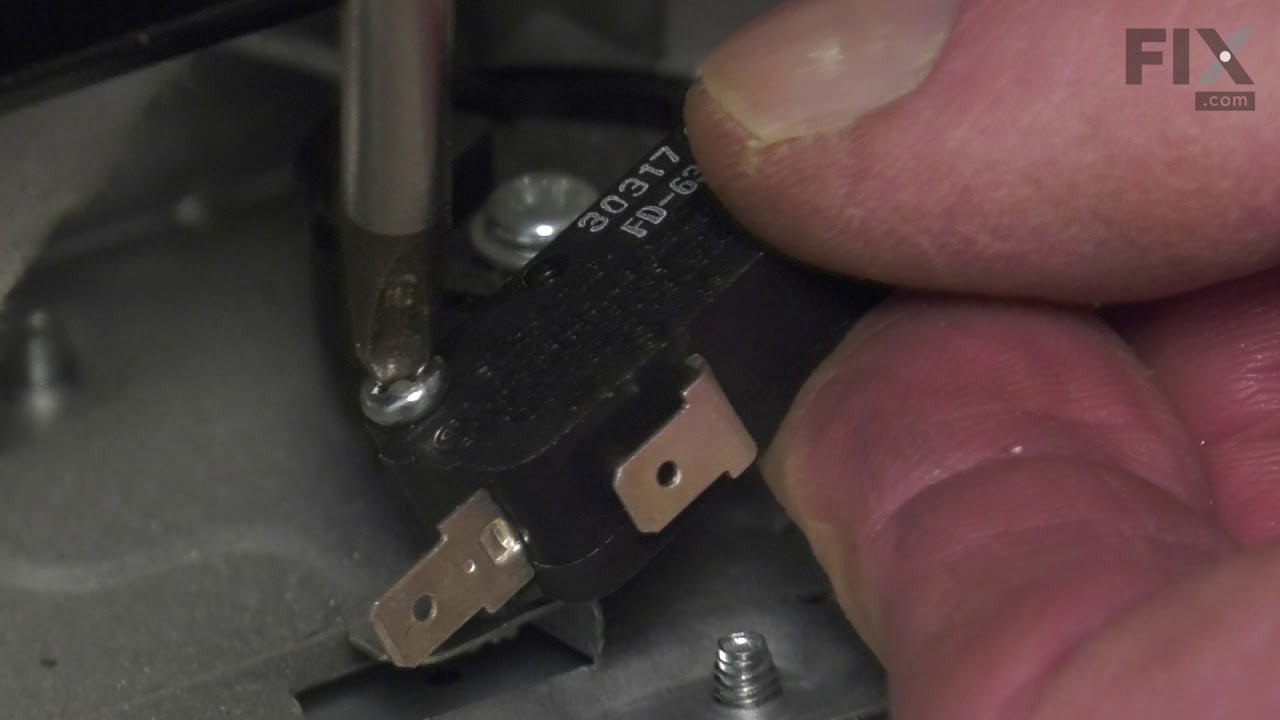
I removed the control panel with a Phillips screwdriver and unplugged the burner switch and replaced the new switch and put the control panel back in place and turned on the burner and it worked as it should.i realized that I only would have only had to remove the 4 screws on the bottom of the control panel. All I would have had to do was just take those 4 screws out and remove the switch control knob and the two screws that held the switch in. Am very happy with the results
17 of 18 people found this instruction helpful.
Was this instruction helpful to you?
Thank you for voting!
Customer:
Sue from De Soto, IL
Parts Used:
DG31-00005C, DG96-00110E
Difficulty Level:
A Bit Difficult
Total Repair Time:
30 - 60 mins
Tools:
Screw drivers, Socket set
Convection oven fans were noisy.
This oven has two fans that counter rotate. One spins clockwise, the other counterclockwise. Because of this, the motors and the fan blades are different. The schematic shows the counter clockwise rotating fan with a right hand threaded shaft/nut on the bottom and the clockwise motor and fan with the left hand nut on the top. My range had the motors in the exact opposite orientation, but the fan blades on the motors as shown on the schematic. The incorrect assembly at the factory (I bought new in the box, so I know this is the first repair) meant that nether fan blade was turning the correct direction. So do yourself a favor, be sure you’re buying the right motor (clockwise or counterclockwise) and be sure you put the right fan blade on the right motor. The Samsung motor ending in F is the counterclockwise motor that has the right hand threaded shaft the clockwise motor with the left hand threaded shaft ends in E.
16 of 25 people found this instruction helpful.
Was this instruction helpful to you?
Thank you for voting!