Models > KGSS907SSS03

KGSS907SSS03 KitchenAid Range

Jump to:

Find Part by Name

Keep searches simple, eg. "belt" or "pump".

Diagrams for KGSS907SSS03

Viewing 10 of 10

Manuals & Guides for KGSS907SSS03

Click to download
Keep searches simple, eg. "belt" or "pump".
This chrome oven rack is a genuine replacement component designed to fit a variety of standard ovens. Measuring approximately 24.76 inches wide by 15.78 inches deep, it provides a stable surface for b...
In Stock
$20.89
This is a screw and it is made for multiple appliances in your home. This model is called a sheet metal screw because it has sharp points, and the threads are closer together. This screw is designed t...
In Stock
This is a multi-use screw and can be used on a variety of appliances. The measurements of the screw are: 8/18 x 3/8. *Please note: the screw is sold individually. Refer to the manual provided by the m...
In Stock
This 18 ml bottle of white appliance touch-up paint is used to cover scratches or marks on your appliance. The white touch-up paint can be used on refrigerators, microwaves, ranges, clothes dryers, an...
In Stock
This temperature sensor detects the temperature within the oven cavity.
In Stock
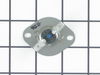
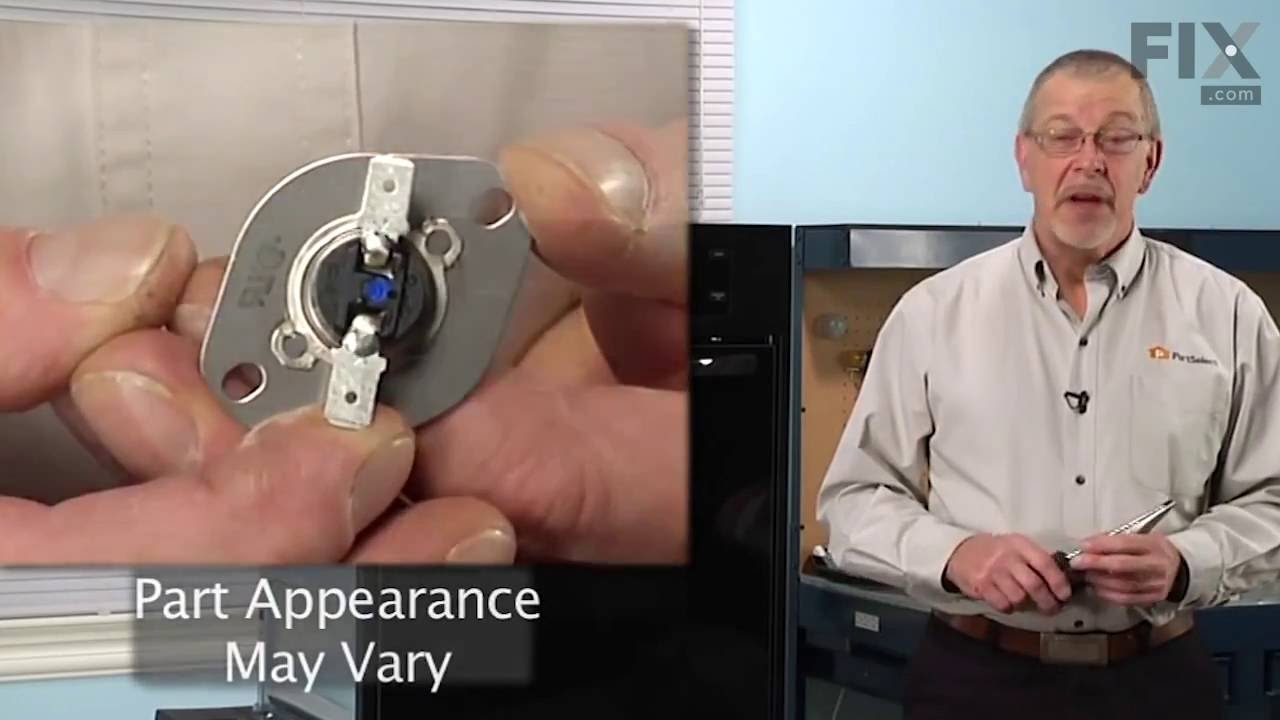
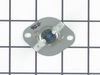
Also known as Thermal cut-off (fuse). This part establishes and maintains the internal temperature of the oven cavity.
In Stock
This screw is sold individually.
In Stock
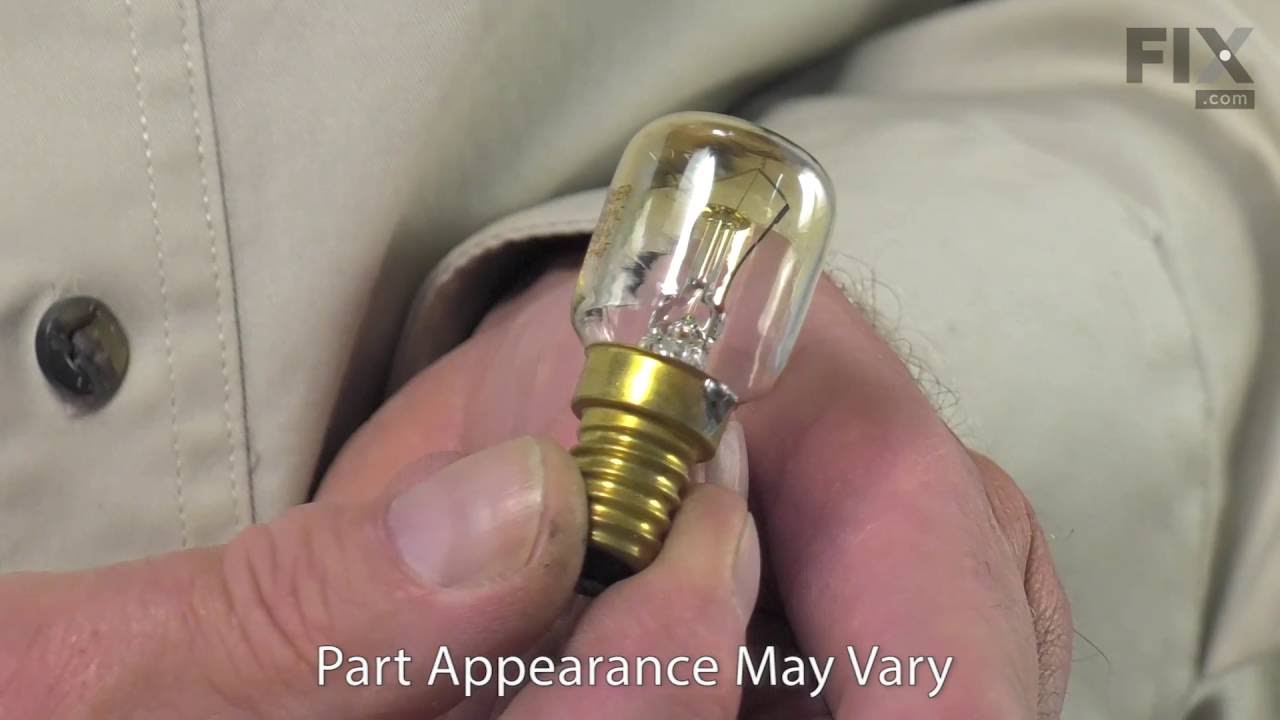
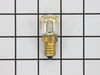
This 15-watt, 120-volt light bulb is designed to illuminate the interior of wall ovens and ranges, allowing clear visibility during cooking. It serves as a direct replacement for burned-out bulbs and ...
In Stock
$7.93
Sold individually.
In Stock
Also known as a meat probe.
In Stock
This part is the replacement door gasket for your oven. It is made of gray rubber and is sold individually. The door gasket runs along the circumference of the oven door and creates a seal that insula...
In Stock
Sold individually.
In Stock

Questions and Answers

Be the first to ask our experts a question about this part!

Common Problems and Symptoms for KGSS907SSS03

Viewing 11 of 11
Little to no heat when baking
Fixed by these parts
Fixing Fixing Fixing
How to fix it
Will Not Start
Fixed by these parts
Fixing Fixing Fixing
How to fix it
Oven is too hot
Fixed by these parts
Fixing
How to fix it
Door won’t open after self cleaning cycle
Fixed by these parts
Fixing Fixing
How to fix it
Element will not heat
Fixed by these parts
Fixing Fixing
How to fix it
Oven not heating evenly
Fixed by these parts
Fixing Fixing Fixing
How to fix it
Door won’t close
Fixed by these parts
Fixing Fixing Fixing
How to fix it
Gas igniter glows, but will not light
Fixed by these parts
Fixing Fixing Fixing
How to fix it
Little to no heat when broiling
Fixed by these parts
Fixing Fixing
How to fix it
Will not program
Fixed by these parts
Fixing
How to fix it
Touchpad does not respond
Fixed by these parts
Fixing
How to fix it
Keep searches simple. Use keywords, e.g. "leaking", "pump", "broken" or "fit".
Customer:
Joseph from Worthington, PA
Parts Used:
WP9759242
Difficulty Level:
Really Easy
Total Repair Time:
15 - 30 mins
Tools:
Screw drivers
Self Cleaning blows the thermostat fuse
Something Kitchen Aid wont tell you but running a self clean on this model stove blows the fuse located on the back of the stove.

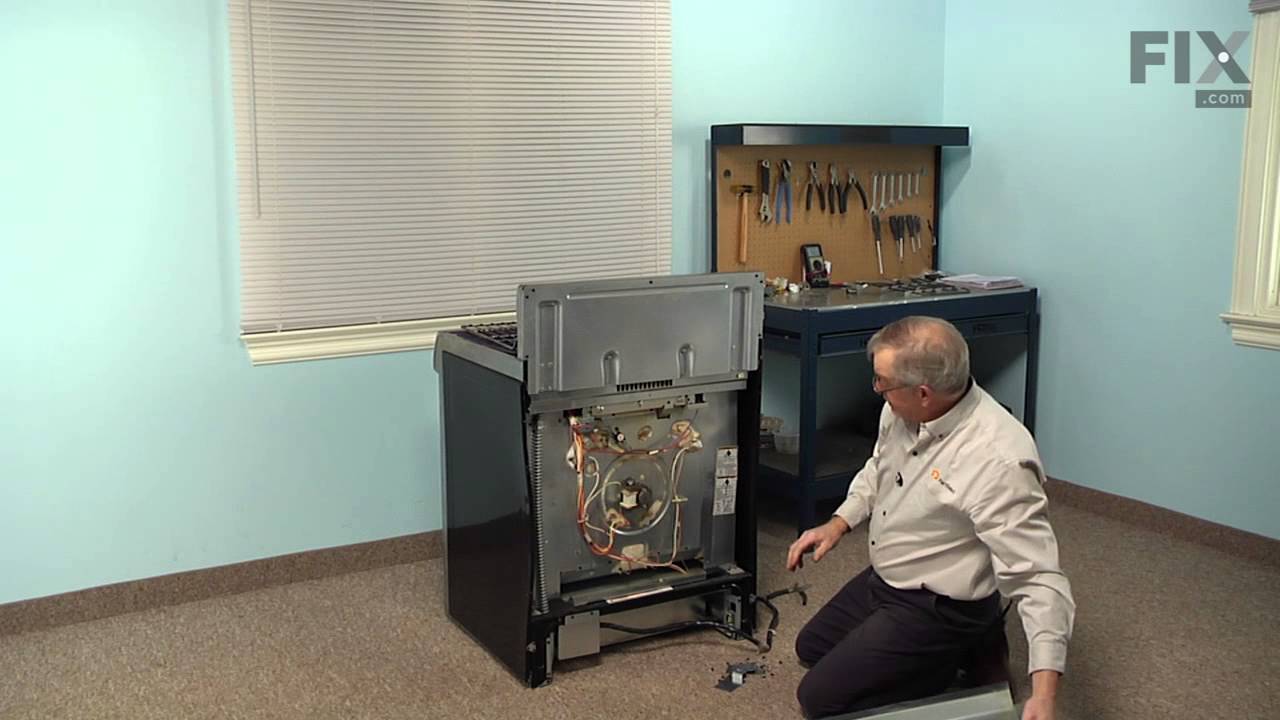
First I slid the stove out and removed the back of the stove held in place by 8 Phillips screws. The thermostat fuse is located near the top middle on the back of the stove. Remove the 2 screws hold ing it in place. Disconnect the wires, plug in the new part. Put it all back together. Job done in less than 30 minutes.

This repair would have cost $164 through A&E factory service.
137 of 156 people found this instruction helpful.
Was this instruction helpful to you?
Thank you for voting!
Customer:
john from new market, MD
Parts Used:
WP9759242
Difficulty Level:
Really Easy
Total Repair Time:
15 - 30 mins
Tools:
Screw drivers
Power shut down and door lock-up after self-cleaning
My wife used the self cleaning function for the first time after 1.5 years of owning, of course out of warranty. A quick google search identified the problem. Called Kitchenaid, they said of course it can't be that simple, they had never heard of this problem, need to schedule a service call. Googled and found this site, Ordered the part , came in, only took a screwdriver and about 20 minutes, just like all the other posts.

shame on Kitchenaid for not owning up to the problem. I even e-mailed them all the links, they did not acknowledge them.
52 of 58 people found this instruction helpful.
Was this instruction helpful to you?
Thank you for voting!
Customer:
Laurie from Camarillo, CA
Parts Used:
WP9759242
Difficulty Level:
Easy
Total Repair Time:
30 - 60 mins
After using the self cleaning mode on this oven the oven would not heat, but the power remained on, only a heating problem.
My husband did the repair and said it was very easy to do with the following instructions that I got from the Fix Ya website.

This is a design flaw in the Kitchenaid convection ovens. I can help fix this problem if you have a built in oven (I don't know if the parts are located in the same place for stand alone ovens). Firs t it is not a FUSE that has blown rather it is the thermostat in the rear of the oven. (Part #4452223) This small part cost about $37 US and after shipping it will cost you about $47. I tried to get an estimate from an electrician as to what of frustration I decided to tackle the problem mthey would charge for the part and to come out and fix the oven an the price was about $90 for the part and anywhere between $100 and $170 more for the service call + repair! After a day myself.

The very first thing you must do is shut off the circuit breaker to the oven and put a very large sign on the panel that reads DO NOT TOUCH! That is 220 volts to that oven and while most panels have just the oven ont circuit you dont want anyone reactivating that circuit by mistake!

The next part requires a little work. Find the side panel screws (usually located in the oven door) and remove the two panel flanges that cover the 2 or 4 mounting screws that keep the oven in the wall. Now go underneath the oven and find the power junction box, take off the cover and disconnect the wires that run from the oven. Remember which goes where. Next remove the little nut that holds the electical conduit cable to the junction box then loosen the wires. Once this is done you can now slide the oven out and get to the thermostat.

This part requires a little elbow grease. Find a platform or table that fits just under where the stove will slide out and slide the oven on top of the table or whatever for support. In the back of the oven there will be a sheet metal panel that covers the thermostat and other wires, remove the 5 or 6 screws that hold this panel on and put the panel aside. Almost in the middle of the oven's back you will see a little black device with two wires running out of it (one red the other white or yellow). It will have the part number on its front, remove the wire and notice that the thermostat is half red and half white (remember this for the new part will have the same markings) the red wire goes onto the lead coming from the red markings. When you have the new part simply put the new one in (remember: the red side to the red wire), attach it to the back of the oven, replace the sheet metal cover and slide the oven back into place securing it with the screws. Viola! you are done! Turn on the power and then test the oven (I used the broil setting to warm it up then switch to a temperature setting). The entire process took me about an hour and I am NOT a handyman!
30 of 34 people found this instruction helpful.
Was this instruction helpful to you?
Thank you for voting!