Models > JCBP79SP3SS

JCBP79SP3SS General Electric Range

Jump to:

Find Part by Name

Keep searches simple, eg. "belt" or "pump".

Diagrams for JCBP79SP3SS

Viewing 3 of 3
Keep searches simple, eg. "belt" or "pump".
This 40-Watt light bulb is sold individually. It is specially designed to withstand extreme temperatures, so this bulb is compatible with a variety of appliance types including refrigerators, ranges,...
In Stock
Order now and your part arrives by Mar 19
This infinite switch controls the heat level of a 6-inch, 1560-watt surface element by regulating power flow. It operates at 240 volts and helps maintain consistent temperatures. Replacing it can fix ...
In Stock
Order now and your part arrives by Mar 19
This is a replacement drawer support for your oven. The drawer support provides stability to the drawer unit as it opens and closes. If your oven drawer is hanging or will not slide in or out efficien...
In Stock
Order now and your part arrives by Mar 19
$14.65
In Stock
Order now and your part arrives by Mar 19
This part is the replacement light socket for your oven. The oven light socket provides power to the light, and at the same time holds the light bulb in place.
In Stock
Order now and your part arrives by Mar 19
$14.65
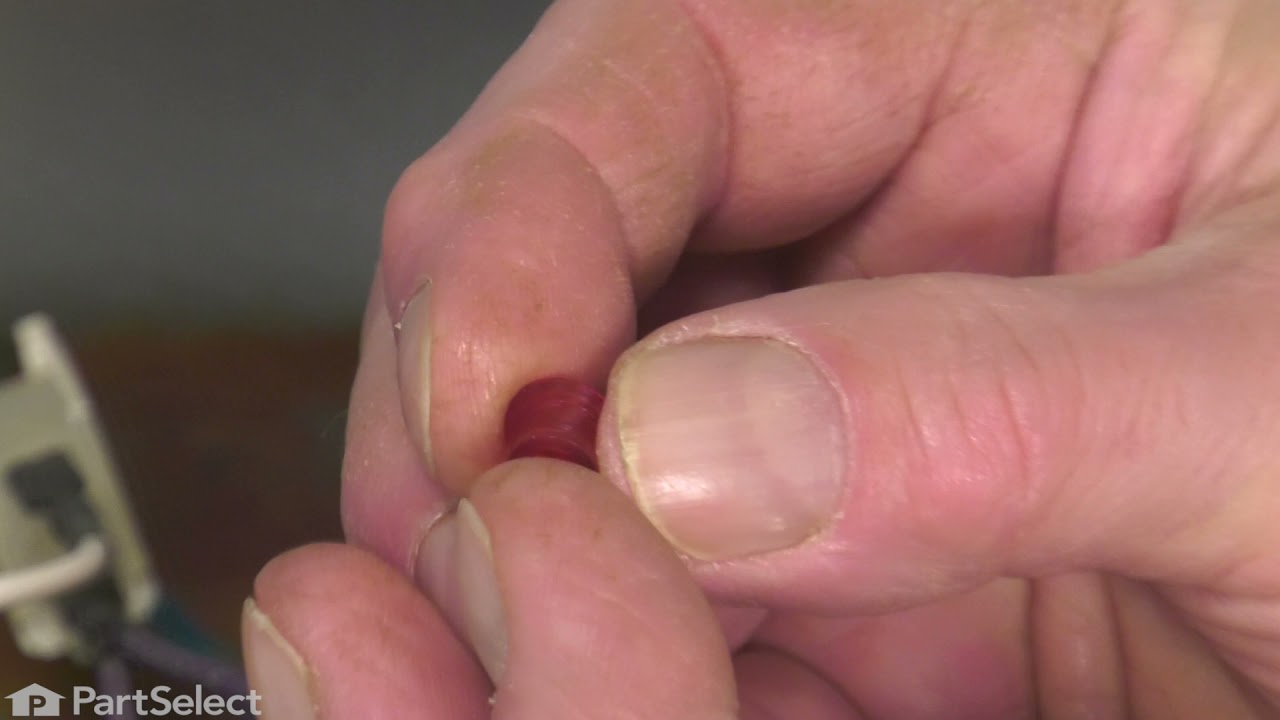
This part is a replacement lens for your oven or range. The lens is red in color, and when the elements are turned on, the light behind the lens will turn on to inform the user that the element is, in...
In Stock
Order now and your part arrives by Mar 19
In Stock
Order now and your part arrives by Mar 19
This kit includes the sensor as well as the connectors. NOTE This sensor is 2" long.
In Stock
Order now and your part arrives by Mar 19
In Stock
Order now and your part arrives by Mar 19
In Stock
Order now and your part arrives by Mar 19
In Stock
Order now and your part arrives by Mar 19
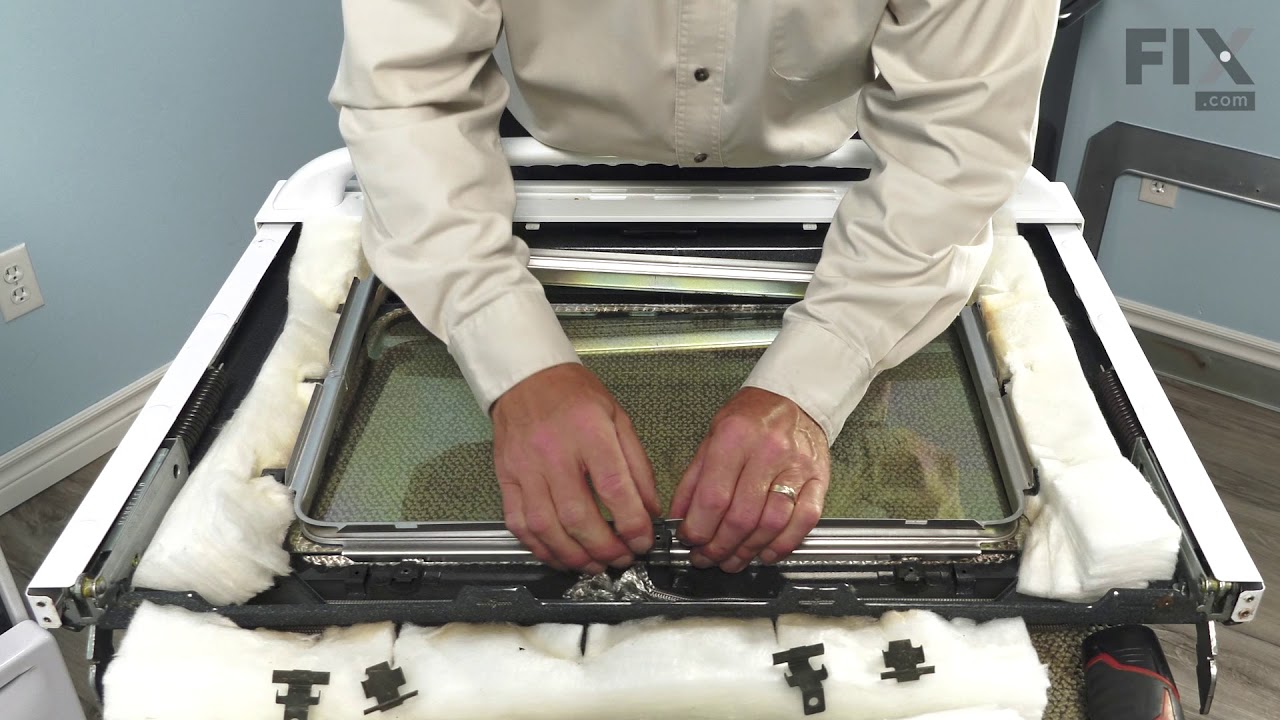
This kit contains 2 glass panels with a steel window spacer.
Special Order

Questions and Answers

Be the first to ask our experts a question about this part!

Common Problems and Symptoms for JCBP79SP3SS

Viewing 6 of 6
Element will not heat
Fixed by these parts
Fixing Fixing
How to fix it
Little to no heat when baking
Fixed by these parts
Fixing
How to fix it
Door won’t close
Fixed by these parts
Fixing Fixing Fixing
How to fix it
Oven not heating evenly
Fixed by these parts
Fixing
How to fix it
Oven is too hot
Fixed by these parts
Fixing
How to fix it
Will Not Start
Fixed by these parts
Fixing Fixing
How to fix it
Keep searches simple. Use keywords, e.g. "leaking", "pump", "broken" or "fit".
Customer:
CHARLA from NEW BRAUNFELS, TX
Parts Used:
WB23X5340
Difficulty Level:
Really Easy
Total Repair Time:
Less than 15 mins
Tools:
Nutdriver
Oven sensor was not holding temperature range.
Per the instructions included with part.
47 of 80 people found this instruction helpful.
Was this instruction helpful to you?
Thank you for voting!
Customer:
Armand from COVENTRY, CT
Parts Used:
WB23X5340
Difficulty Level:
Easy
Total Repair Time:
30 - 60 mins
Tools:
Screw drivers
defective temp. sensor
Removed oven from cabinet. unblug old sensor pluged in new and reinstalled oven. Esay repair though wish oven was designed so did not have to pull itout of cabinet which requires disconect electric cabel
20 of 30 people found this instruction helpful.
Was this instruction helpful to you?
Thank you for voting!
Customer:
Jack from Cypress, TX
Parts Used:
WB23X5340
Difficulty Level:
Easy
Total Repair Time:
30 - 60 mins
Tools:
Nutdriver, Screw drivers
When baking at temps > 400 the oven would beep with an error code F5 and shut off
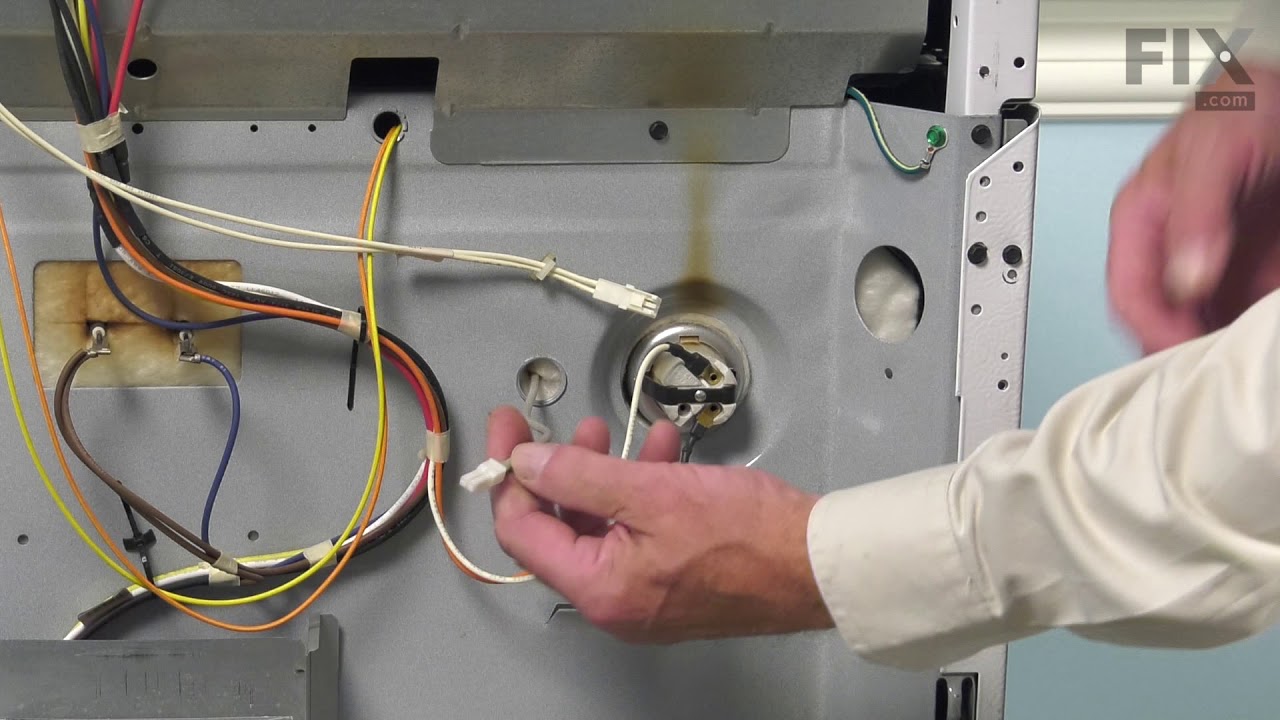
I downloaded the installaion manual from the web for this model. First htings first, I located the circuit breaker for the oven and turned it off. Removed the lower trim piece from the bottom, next lifted the oven door off its hinges and set it to the side. I then wrapped a couple of small towels around the hinges for the door as per the manual (the hinges can pinch a finger). I then removed the four screws which secured the oven into the cabinet. Next I slid the oven forward allowing me access to the rear. I removed the pieces from the rear to gain access to the sensors connector, and unpl;ugged the sensor. Went around to the front and unscrewed the 2 screws securing the sensor and removed it. I then installed the new sensor, replaced the rear covers, slid the oven back into the cabinet, secured the four screws, snapped on the lower trim, remounted the oven door, and turned the breaker on. Oven working fine now.
16 of 20 people found this instruction helpful.
Was this instruction helpful to you?
Thank you for voting!