



Models > MC12J8035CT/AA

MC12J8035CT/AA (0002) Samsung Microwave

Jump to:

Find Part by Name

Keep searches simple, eg. "belt" or "pump".

Diagrams for MC12J8035CT/AA

Viewing 1 of 1
Keep searches simple, eg. "belt" or "pump".
In Stock
Order now and your part arrives by Mar 19
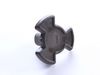
The turntable tray support holds the turntable tray while allowing the tray to rotate.
In Stock
Order now and your part arrives by Mar 19
No Longer Available
$85.95
In Stock
Order now and your part arrives by Mar 19
$31.88
In Stock
Order now and your part arrives by Mar 19
In Stock
Order now and your part arrives by Mar 19
$67.27
In Stock
Order now and your part arrives by Mar 19
In Stock
Order now and your part arrives by Mar 19
$31.88
In Stock
Order now and your part arrives by Mar 19
In Stock
Order now and your part arrives by Mar 19
In Stock
Order now and your part arrives by Mar 19
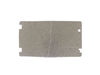
This waveguide cover (part number DE63-00623A) is for microwaves. Waveguide cover DE63-00623A screens the waveguide channel from debris and food splatters. Unplug the microwave before installing this part.
In Stock
Order now and your part arrives by Mar 19

Questions and Answers

Be the first to ask our experts a question about this part!

Common Problems and Symptoms for MC12J8035CT/AA

Viewing 3 of 3
No heat
Fixed by these parts
Fixing
How to fix it
Doesn’t shut off
Fixed by these parts
Fixing
How to fix it
Won’t turn on
Fixed by these parts
Fixing
How to fix it
Keep searches simple. Use keywords, e.g. "leaking", "pump", "broken" or "fit".
Customer:
Raymond from TROY, OH
Parts Used:
3405-001034
Difficulty Level:
Easy
Total Repair Time:
1- 2 hours
Tools:
Screw drivers
The microwave would not turn on or would run with the door open
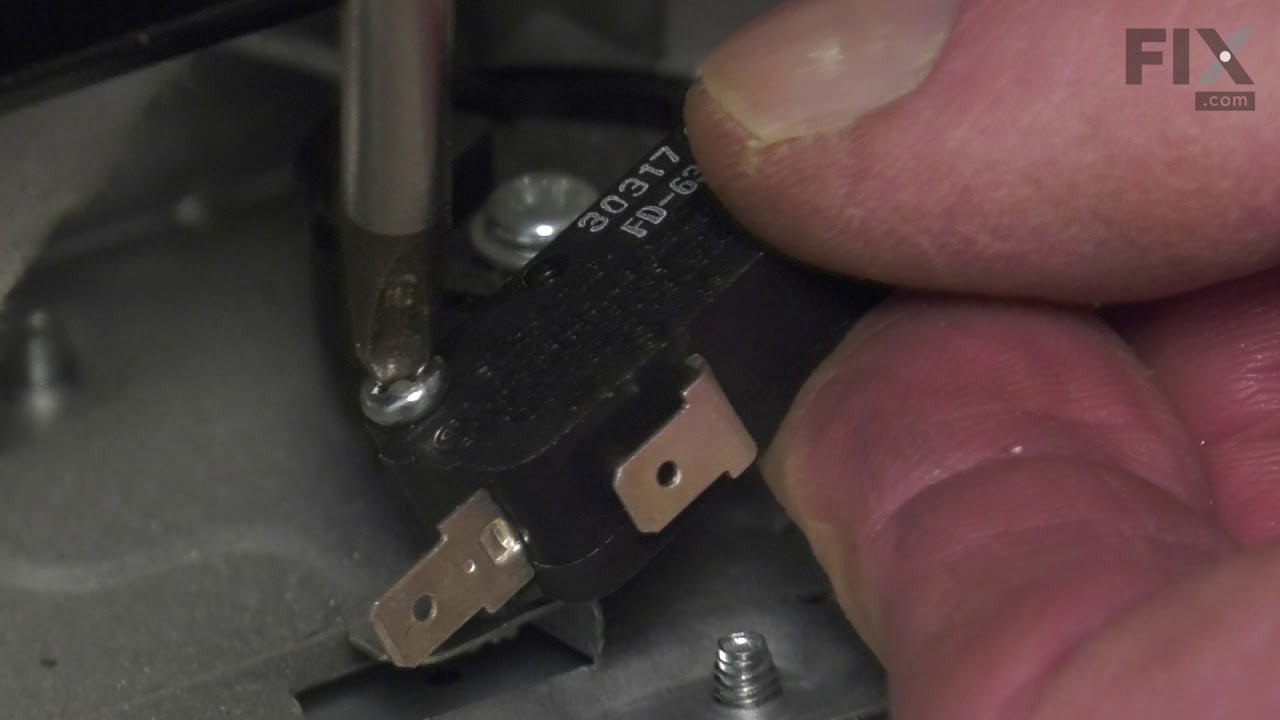
Other tools that are usefull long needle nose pliers, long thin blade screw driver and small magnetic flashlight. Place the microwave on a work bench and remove the case it cover 3 sides. Place the microwave on a chair so it can stand with the controls up. You are replacing the lower door microswitch. The switch is located behind the control panel in the lower part of the area. The switch is several inches inside this area and your hands will not fit. Take care when moving wires and a couple of sensors. Use the thin blade screwdriver to release a tab holding the switch in place. Do not break this tab. Take the needle nose pliers and remove the switch. Put the wires on the new switch, open the door a short distance so a door lever moves enough to put the microswitch back into the bracket.
6 of 13 people found this instruction helpful.
Was this instruction helpful to you?
Thank you for voting!
Customer:
Jason from WASHINGTON, IN
Parts Used:
DE92-90189S
Difficulty Level:
Very Easy
Total Repair Time:
Less than 15 mins
Missing roller guide under glass plate
I used my pocket knife to open the package. I opened the door and removed the plate and set the guide down and put the glass plate back.
2 of 3 people found this instruction helpful.
Was this instruction helpful to you?
Thank you for voting!
Customer:
Charles from Lake Havasu City, AZ
Parts Used:
DE31-10170C
Difficulty Level:
Easy
Total Repair Time:
Less than 15 mins
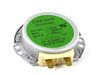
Rotate motor for Micrwave turntable failed
Turn off power to microwave (kitchen circuit breaker) Remove 3 sheet metal screws bottom front, disconnect electrical connections to motor and lights, remove defective motor(1 screw), replace with new unit, replace screw, re-attach bottom (3) screws, test. Replacement motor cost via th is supplier was 1/3 of what local appliance repair store would have charged.
2 of 4 people found this instruction helpful.
Was this instruction helpful to you?
Thank you for voting!