
Models > MMV4203WW2

MMV4203WW2 Maytag Microwave

Jump to:

Find Part by Name

Keep searches simple, eg. "belt" or "pump".

Diagrams for MMV4203WW2

Viewing 6 of 6
Keep searches simple, eg. "belt" or "pump".
To access the exterior lightbulb, the bottom panel of the microwave will need to be removed. It is secured in place with screws, so will require a Philips screwdriver to remove it. Screw the new light...
In Stock
Order now and your part arrives by Mar 19
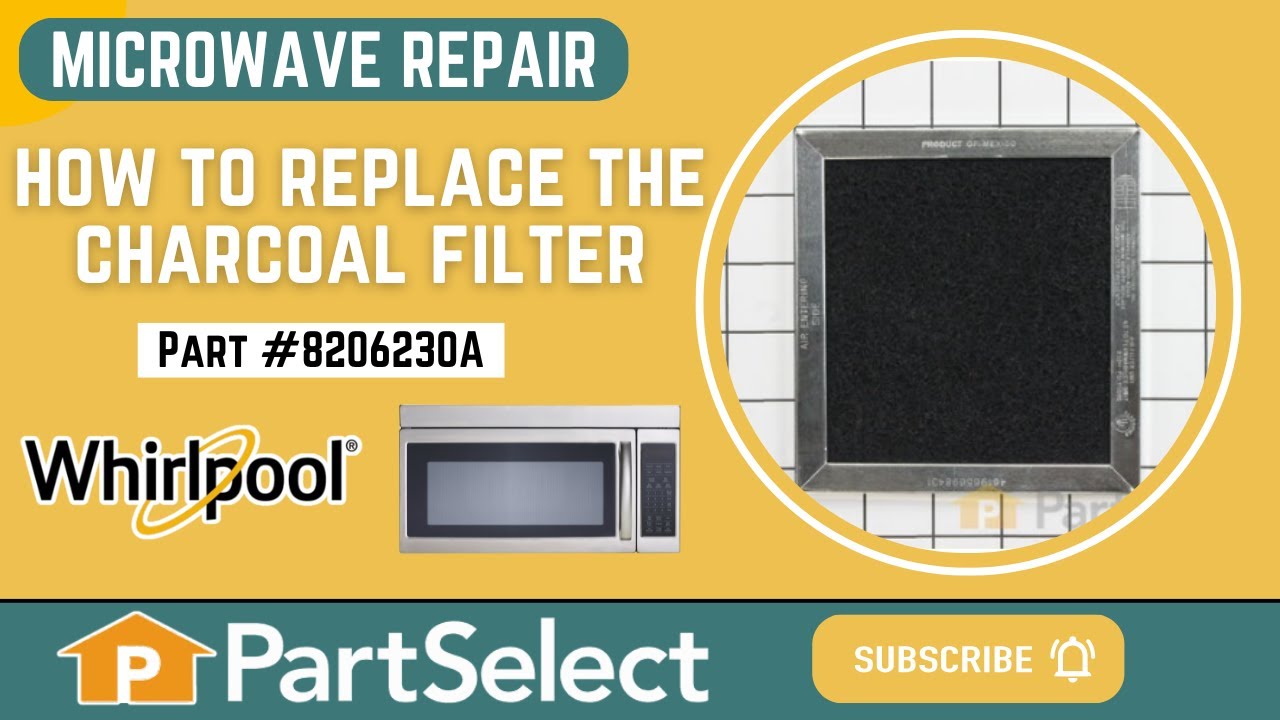
This is a charcoal filter for an over-the-range microwave. It is designed to absorb grease before making its way into the vent, which could cause damage or build-up. It also helps to reduce odors whil...
In Stock
Order now and your part arrives by Mar 19
This is a single grease filter for a microwave. Most microwaves have two filters, the other one being the charcoal filter, which is a different filter, sold separately, and has different maintenance i...
In Stock
Order now and your part arrives by Mar 19
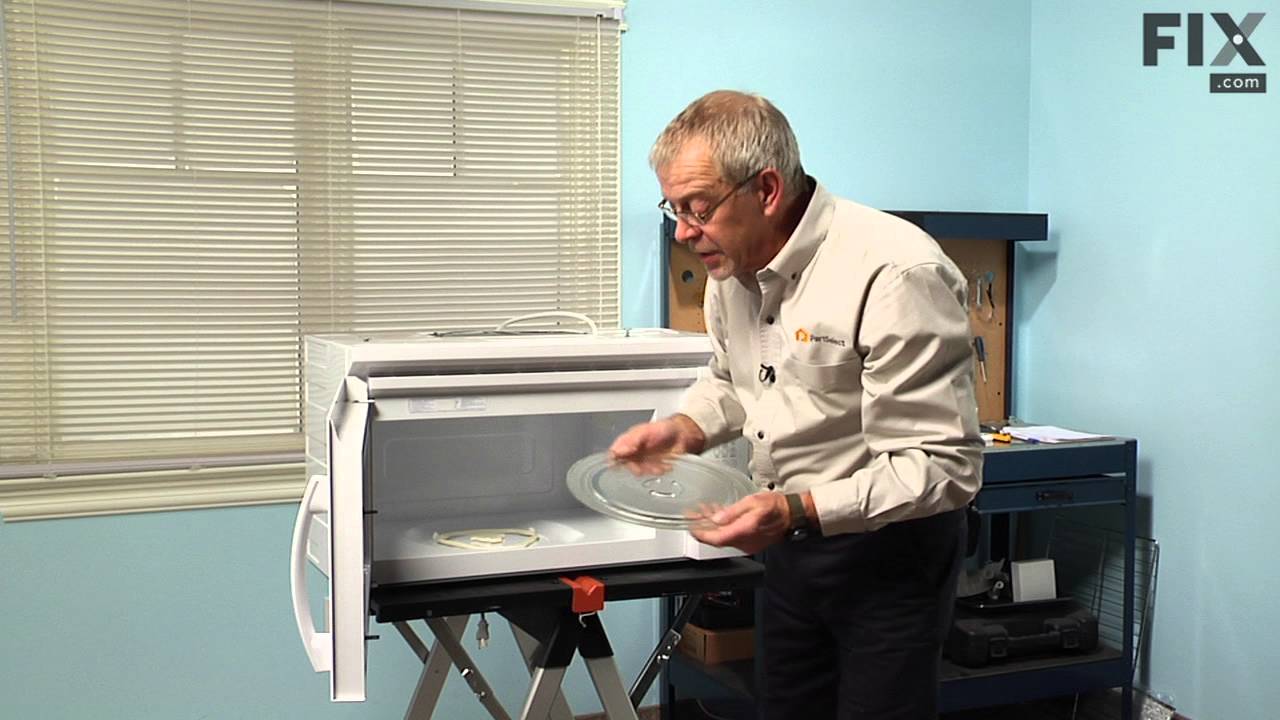
This glass cooking tray, also known as a turntable, is a genuine OEM replacement part for your microwave. The clear glass tray measures approximately 12 inches in diameter, and it is the surface that ...
No Longer Available
This support ring sits underneath the glass turntable tray.
In Stock
Order now and your part arrives by Mar 19
This mounting plate is a genuine OEM part for your microwave. This metal bracket is approximately 30 inches in length and is used to support your microwave when installed under cabinets. Please note t...
In Stock
Order now and your part arrives by Mar 19
This screw is sold individually.
In Stock
Order now and your part arrives by Mar 19
The microwave door interlock switch prevents the microwave from starting if the door is open. If your microwave will not start when the door is closed, or it continues running if the door is opened, t...
In Stock
Order now and your part arrives by Mar 19
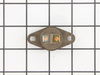
This part protects the microwave by shutting it off if there is an electrical surge.
In Stock
Order now and your part arrives by Mar 19
$26.20
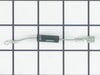
This part allows power to go one way but not the other.
In Stock
Order now and your part arrives by Mar 19
The light socket in your microwave houses the light bulb and connects it to the power source. The light bulb will screw into it, so the light bulb will be held in place. Be very careful when installin...
In Stock
Order now and your part arrives by Mar 19
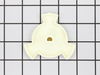
This part has a D-shaft for the motor shaft.
In Stock
Order now and your part arrives by Mar 19

Questions and Answers

Be the first to ask our experts a question about this part!

Common Problems and Symptoms for MMV4203WW2

Viewing 7 of 7
Won’t turn on
Fixed by these parts
Fixing Fixing Fixing
How to fix it
No heat
Fixed by these parts
Fixing Fixing Fixing
How to fix it
Tray won’t turn
Fixed by these parts
Fixing Fixing Fixing
How to fix it
Door not closing properly
Fixed by these parts
Fixing Fixing Fixing
How to fix it
Exhaust fan not working
Fixed by these parts
Fixing Fixing Fixing
How to fix it
Noisy
Fixed by these parts
Fixing Fixing Fixing
How to fix it
Doesn’t shut off
Fixed by these parts
Fixing Fixing
How to fix it
Keep searches simple. Use keywords, e.g. "leaking", "pump", "broken" or "fit".
Customer:
Deborah from Baltimore, MD
Parts Used:
4393799
Difficulty Level:
Really Easy
Total Repair Time:
Less than 15 mins
broken glass turntable
No repair- just replaced glass turntable.
Right part I needed with first try
403 of 420 people found this instruction helpful.
Was this instruction helpful to you?
Thank you for voting!
Customer:
Deborah from Millersville, MD
Parts Used:
8206232A
Difficulty Level:
Difficult
Total Repair Time:
Less than 15 mins
Tools:
Screw drivers
light bult needed to be replaced
The nightmare was that this microwave is installed under the cabinet....in order to get to the light bulb I had to pull out my stove then squeeze into the space between the stove and counter....my old microwave light bult was much easier to change.....Shame on Whirlpool for making this so difficult.....must be a better way to cover the li ght bulb so that we do not need a screwdriver to remove the door to get to the light bulb
220 of 325 people found this instruction helpful.
Was this instruction helpful to you?
Thank you for voting!
Customer:
Lindsay from Nampa, ID
Parts Used:
W10245183
Difficulty Level:
A Bit Difficult
Total Repair Time:
1- 2 hours
Tools:
Nutdriver, Screw drivers
My microwave began suddenly making a loud humming noise while cooking food.
My microwave began suddenly making a loud harsh humming noise while cooking food. I did not let it go on long enough to know if it cooked the food or not. I did some Internet research and learned that it was likely the Magnetron. The test for this was to run the microwave for at least a minute on the lowest power setting and see if the no ise cycled on and off. It did, so I (actually, my wife) ordered the part from partselect.com using the model number. I was successful in replacing the part, and we are back to microwave popcorn and quick defrost for a price that was less than a service call, however, it was time consuming, required a large work area, and access to 5 out of 6 sides of the unit. So proceed at your own discretion

Caution:

The first thing in every set of repair instructions was to discharge (short-circuit) the capacitor, as it may store large (as in lethal) amounts of electricity even when it is not connected to a power source. I had never done this, but found these instructions:

“Discharging your microwave's capacitor is absolutely essential in preventing injury to your microwave, your tools, and yourself. A capacitor stores a large amount of electricity even when your microwave is unplugged, and it must be discharged before beginning any repair.
A capacitor is discharged by creating a short circuit between each of the two capacitor terminals, and between each terminal and the chassis. The chassis is the metal mounting (bare metal surface) of the capacitor. Read these directions thoroughly before you proceed.
With your microwave unit unplugged, touch the blade of a well insulated screwdriver to one terminal. Gently slide the screwdriver forward until it reaches the other terminal, holding it there for a few seconds. Be aware that this often results in a loud and startling 'POP'.
Repeat this procedure in order to create a short circuit between each capacitor terminal and the chassis (bare metal mounting plate surface). This same method can be applied to a capacitor having three, and not two, terminals.”
I had not run my microwave in over a week, and then while my part was shipping, left my microwave 'unplugged' for more than two days, and my capacitor apparently discharged itself, although I did go through the above procedure carefully and completely - just in case.
Step-By-Step:
1. You must remove your microwave from the cabinets - it is impossible to repair otherwise. This is best accomplished with 2 strong people - my wife and I made it work, but wished for another guy.
a. While supporting the microwave, remove the two screws coming down through the cabinet above.
b. Lift the rear of the microwave as much as possible, then tilt the front down - there is a clip high on the left side, as well as the hinge/clips on the bottom.
c. If you do not lift it off the wall all at once, you may have to lift the rear even farther to remove it from the hinge/clips on the bottom.
Important Note: Always beware of the microwave door, if it is bent or broken and cannot retain a seal, the microwave not function as a safety feature to keep from releasing microwaves.
2. Remove the vent cover on the top/front of the microwave - be careful, it's plastic.
3. Remove the vent cover and light panel on the bottom of the microwave - this is several screws and some simple wire clips.
4. Remove the "shell" (top and sides) of the microwave - this is several more screws on the back. Make sure to remove the plate that is holding the cord in place on the top.
5. Remove the interface panel by the screws on the top (which had been hidden by the vent cover) - the wires can remain attached, just slide it aside.
6. Remove the metal cover on the right side at the rear; this will expose the Magnetron and the Capacitor. Remember to immediately test and discharge the capacitor!

7. After you discharge the capacitor, remove the other cover plate and the support bracket - in case you haven't noticed, this is a time and space consuming operation.

8. You
130 of 257 people found this instruction helpful.
Was this instruction helpful to you?
Thank you for voting!