




Models
>
JVM1660BBC02
JVM1660BBC02 General Electric Microwave
Jump to:
Find Part by Name
Keep searches simple, eg. "belt" or "pump".
Diagrams for JVM1660BBC02
Viewing 1 of 1
Keep searches simple, eg. "belt" or "pump".
$24.00
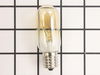
This 40-Watt 130-Volt lightbulb is a genuine OEM replacement for your microwave. The bulb is used either inside the microwave and turns on when the door is open, or the appliance is running. Or it can...
In Stock
Order now and your part arrives by Apr 11
$40.71
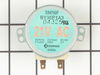
This motor rotates the glass turntable in the microwave and accepts a D-shaped shaft.
In Stock
Order now and your part arrives by Apr 11
In Stock
Order now and your part arrives by Apr 11
$88.46
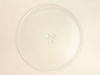
There are two different couplers (also known as a turntable shaft) that can be used for this tray - a male D-shaped shaft and a female D-shaped shaft. The couplers are sold separately.
On Order
$80.13
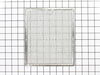
This aluminum filter collects grease particles in the air from cooking. Sold individually.
In Stock
Order now and your part arrives by Apr 11
In Stock
Order now and your part arrives by Apr 11
In Stock
Order now and your part arrives by Apr 11
In Stock
Order now and your part arrives by Apr 11
$24.00
This motor has a square-shaped shaft. This part operates the stirrer fan in the microwave.
In Stock
Order now and your part arrives by Apr 11
Questions and Answers
We're sorry, but our Q&A experts are temporarily unavailable.
Please check back later if you still haven't found the answer you need.
Common Problems and Symptoms for JVM1660BBC02
Viewing 4 of 4Tray won’t turn
Fixed by these parts
How to fix it
Won’t turn on
Fixed by these parts


How to fix it
Noisy
Fixed by these parts
How to fix it
No heat
Fixed by these parts

How to fix it
Keep searches simple. Use keywords, e.g. "leaking", "pump", "broken" or "fit".
- Customer:
- Kim from Centerville, GA
- Parts Used:
- WB26X10038
- Difficulty Level:
- Really Easy
- Total Repair Time:
- Less than 15 mins
- Tools:
- Screw drivers
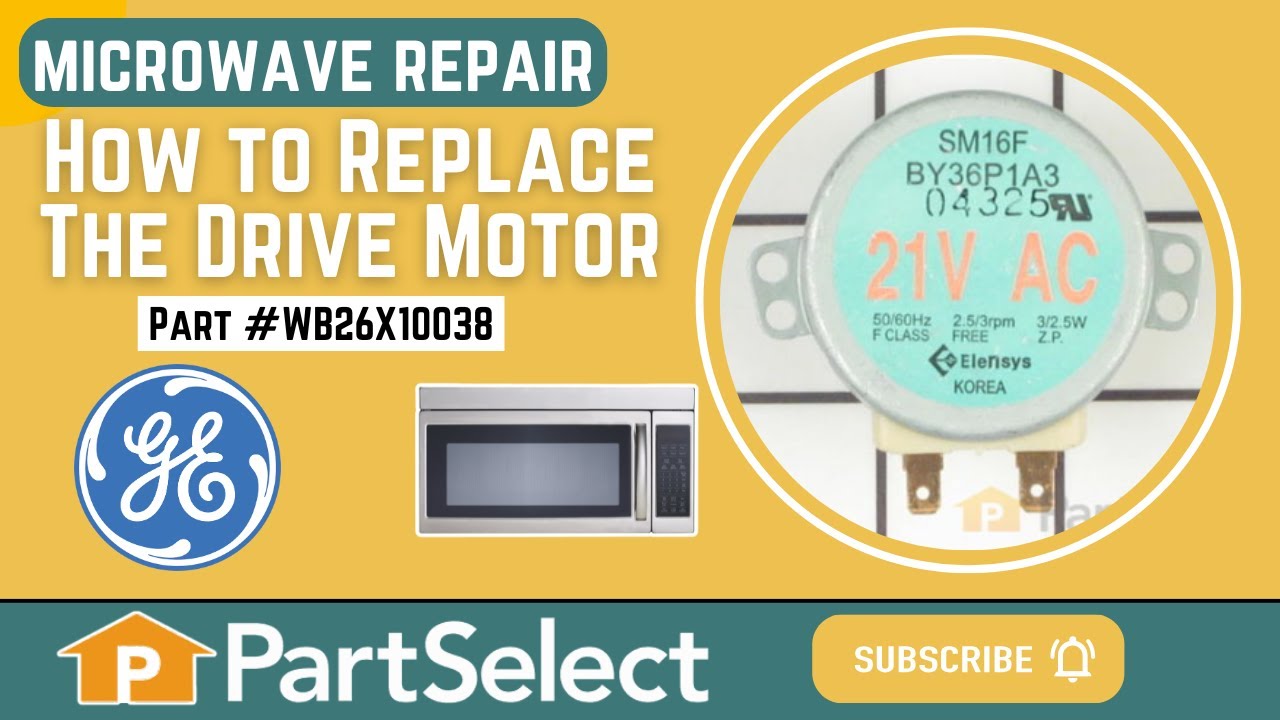
The turntable motor went out and was making a horrible sound when I started the microwave
First I unplugged the microwave. :) Then, I removed the 6 screws found underneath the microwave, which allowed the bottom piece to hang down so I could see the turntable motor. I took the two screws out holding the motor in place and pulled the electric connectors off the motor terminals. Then I got the new part from PartSelect.com, repla
... Read more
ced the electrical commectors, fit the motor back into the slot it came from (cause the pin has to be seated up in the hole) and replaced the 2 screws holding in the motor. Then I put the bottom metal piece back up and put the 6 screws back in. It was really easy - and I'm a chick! ;)
Read less
Was this instruction helpful to you?
Thank you for voting!
- Customer:
- william from san antonio, TX
- Parts Used:
- WB36X10003
- Difficulty Level:
- A Bit Difficult
- Total Repair Time:
- 15 - 30 mins
- Tools:
- Pliers, Screw drivers
bulb had broken off in base that was still screwed into socket
At first I tried to use pliers to unscrew the base,very uncomfortable working position,upside down and backwards(the microwave is installed over the range top)very limited space for your body and arms to manuver and you really cant see the base,all of this took place after the breaker was turned off ofcourse,finally figured out that you c
... Read more
an drop the entire bottom housing of the microwave by unscrewing 6 screws and the light sockets are easily accessable once you lower it,take out 1 retaining screw ,remove the entire socket and unscrewed the broken base and replaced the bulbs,I said bulbs,there is no sense in having to replace another bulb in who knows how long since only one had burned out but they were both the same age
Read less
Was this instruction helpful to you?
Thank you for voting!
- Customer:
- Roy from Colorado Springs, CO
- Parts Used:
- WB27X10017
- Difficulty Level:
- A Bit Difficult
- Total Repair Time:
- 30 - 60 mins
- Tools:
- Screw drivers, Socket set
Unit worked fine except it would not heat
Had to take unit off wall and disassemble the main casing.then disconnected the wires from the magnetron.took the mounting nuts off but wasn't able to remove the magnetron until I loosened the transformer out of the way .Then it came out easy.Installed the magnetron ,tightened the nuts,installed the transformer back in, connected the t
... Read more
he wires back on and installed the casing on ,screwed the screws and got help to install the unit to the wall again.....Tested the unit before putting back on the wall to make sure it heated....The parts were exac same type and wasn't too hard to do...
Read less
Was this instruction helpful to you?
Thank you for voting!