




Models
>
MW840WC
MW840WC Amana Microwave
Jump to:
Find Part by Name
Keep searches simple, eg. "belt" or "pump".
Diagrams for MW840WC
Viewing 4 of 4


.gif "SUPPLEMENTAL INFORMATION Diagram and Parts List for Amana Microwave")
Keep searches simple, eg. "belt" or "pump".
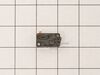
In Stock
Order now and your part arrives by Mar 30
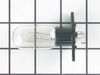
On Order
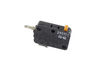
In Stock
Order now and your part arrives by Mar 30
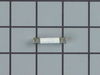
In Stock
Order now and your part arrives by Mar 30
In Stock
Order now and your part arrives by Mar 30

In Stock
Order now and your part arrives by Mar 30
In Stock
Order now and your part arrives by Mar 30

Questions and Answers
We're sorry, but our Q&A experts are temporarily unavailable.
Please check back later if you still haven't found the answer you need.
Common Problems and Symptoms for MW840WC
Viewing 3 of 3No heat
Fixed by these parts


How to fix it
Doesn’t shut off
Fixed by these parts
How to fix it
Won’t turn on
Fixed by these parts
How to fix it
Keep searches simple. Use keywords, e.g. "leaking", "pump", "broken" or "fit".
- Customer:
- John from Inverness, FL
- Parts Used:
- WPY01050009
- Difficulty Level:
- Really Easy
- Total Repair Time:
- Less than 15 mins
- Tools:
- Screw drivers
Blown Fuse - Ps1750182
Unscrewed the cover of the microwave replaced the blown fuse with the new fuse, plugged in the microwave and tested all functions and everything worked fine. Thx for quick delivery.
Was this instruction helpful to you?
Thank you for voting!
- Customer:
- Stephen from Cottonwood, AZ
- Parts Used:
- WP8183592
- Difficulty Level:
- Easy
- Total Repair Time:
- Less than 15 mins
- Tools:
- Screw drivers
Light bulb burned out.
Found instruction on internet,
1. Remove anit-tampering screws with punch and hammer
2. Remove the rest of the screws
3. Removed cover
4. Remove burned out bulb and installed new one
5. INstalled cover
6. Installed screws including the anti tampering onces
7. Op tested unit.
Wife is happy.
1. Remove anit-tampering screws with punch and hammer
2. Remove the rest of the screws
3. Removed cover
4. Remove burned out bulb and installed new one
5. INstalled cover
6. Installed screws including the anti tampering onces
7. Op tested unit.
Wife is happy.
Was this instruction helpful to you?
Thank you for voting!
- Customer:
- david from WASHINGTON, DC
- Parts Used:
- 3405-001033, 3405-001034
- Difficulty Level:
- Easy
- Total Repair Time:
- 30 - 60 mins
- Tools:
- Screw drivers
microwave ran with the door open
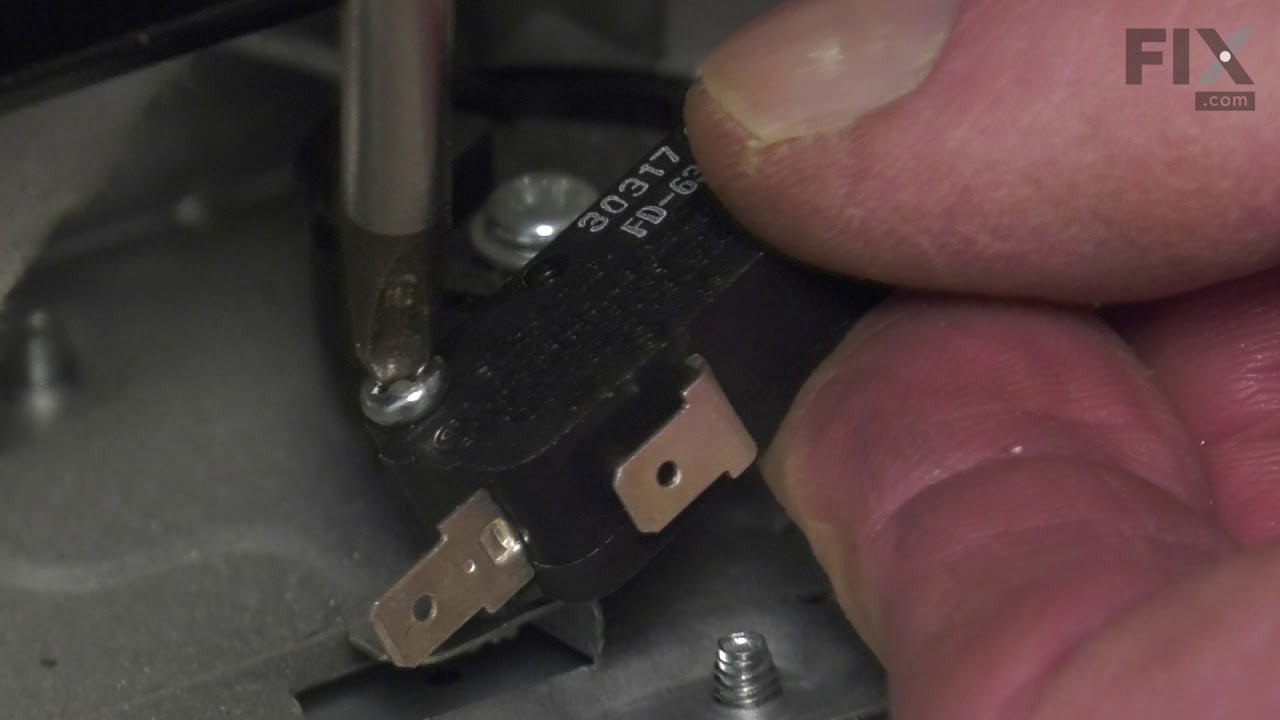
First I read through the customer comments, reviews, questions, etc. at Parts Select, which is always a good bet. Then I put "samsung microwave door switch replacement" into youtube and watched some videos. They don't even have to be for Samsung. From what I can tell, many of the appliance companies use the same design and the same jun
... Read more
k parts, so watching a GE video is almost the same for example. Watch some videos to familiarize yourself with the steps. There are maybe six to disassemble and install the new part. I replaced all three switches. They are not expensive and to replace 3 is only 5% more work than to replace just one; you have to take the microwave apart in either case. UNPLUG THE MICROWAVE FROM THE WALL. Start taking it apart. I use my phone to take a picture of any thing I remove, unscrew or disconnect, especially wires, BEFORE I disconnect them. Thee pictures serve as a reference when I go to reconnect and reassemble. If I am uncertain then I check the picture. Good luck!
Read less
Was this instruction helpful to you?
Thank you for voting!