




Models
>
GS24X8DA-DR83B
GS24X8DA-DR83B Maytag Refrigerator
Jump to:
Find Part by Name
Keep searches simple, eg. "belt" or "pump".
Diagrams for GS24X8DA-DR83B
Viewing 8 of 8


Keep searches simple, eg. "belt" or "pump".
In Stock
Order now and your part arrives by Apr 26
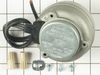
This condenser fan motor is used with frost-free refrigerators with a condenser coil. When the compressor runs, so does this fan, circulating air through the refrigerator grille, cooling the compresso...
In Stock
Order now and your part arrives by Apr 26
$7.60
This hose clamp extends from half an inch to an inch in diameter. It is made entirely of metal and is intended for use with Maytag brand washing machines.
In Stock
Order now and your part arrives by Apr 26
In Stock
Order now and your part arrives by Apr 26
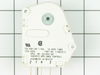
$119.70
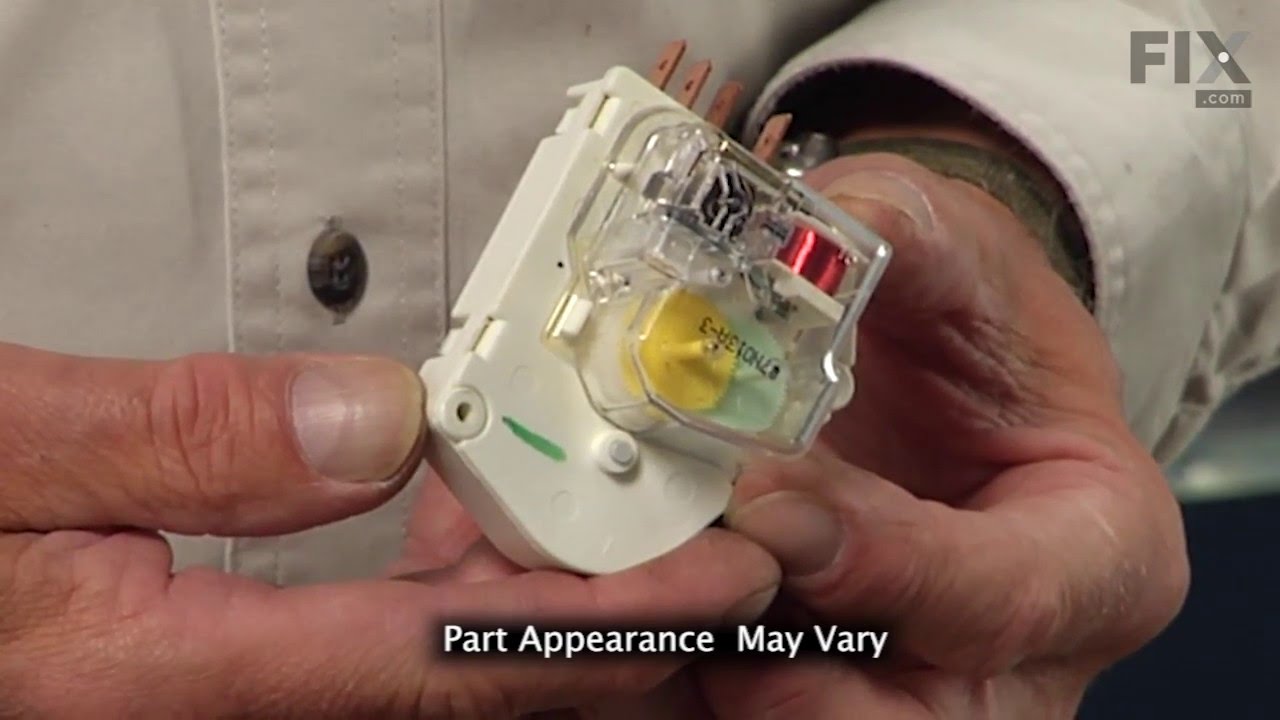
This defrost timer will cycle for twenty-one minutes after every ten hours of run time.
The defrost timer acts like a clock. It continually advances and alternates between activating the cooling cy...
In Stock
Order now and your part arrives by Apr 26
In Stock
Order now and your part arrives by Apr 26
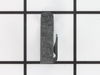
This is a genuine OEM replacement part. This kickplate mounting clip is designed for use with refrigerators. The purpose of this clip is to hold the kickplate in place, they also make it easy to remov...
No Longer Available
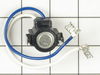
This is an authentic OEM replacement part. This defrost thermostat is commonly used in refrigerators. It features snap on tubing clip, and has two female terminals for connection. The thermostat works...
No Longer Available

In Stock
Order now and your part arrives by Apr 26
$17.44
This is an OEM part sourced directly from the manufacturer. This leveling leg is commonly used with refrigerators, dryers, freezers, ranges, cooktops, and microwaves. This leveling leg ensure that you...
Special Order
Special Order
$9.79
This is a genuine OEM replacement part. This egg tray is designed for use with refrigerators. This tray fits inside a compartment on the door of your refrigerator, and it holds up to fourteen eggs. T...
In Stock
Order now and your part arrives by Apr 26
Questions and Answers
We're sorry, but our Q&A experts are temporarily unavailable.
Please check back later if you still haven't found the answer you need.
Common Problems and Symptoms for GS24X8DA-DR83B
Viewing 11 of 11Light not working
Fixed by these parts
How to fix it
Fridge too warm
Fixed by these parts

How to fix it
Freezer section too warm
Fixed by these parts
How to fix it
Leaking
Fixed by these parts


How to fix it
Noisy
Fixed by these parts
How to fix it
Fridge runs too long
Fixed by these parts
How to fix it
Fridge and Freezer are too warm
Fixed by these parts
How to fix it
Will Not Start
Fixed by these parts
How to fix it
Freezer not defrosting
Fixed by these parts
How to fix it
Too warm
Fixed by these parts
How to fix it
Fridge too cold
Fixed by these parts

How to fix it
Keep searches simple. Use keywords, e.g. "leaking", "pump", "broken" or "fit".
- Customer:
- Tom from Franklin, WI
- Parts Used:
- 833697
- Difficulty Level:
- A Bit Difficult
- Total Repair Time:
- 15 - 30 mins
- Tools:
- Nutdriver, Pliers
Sometimes the condenser fan would start causing the refrigerator to overheat.
Unplug the appliance.
Removed the screws holding the back panel.
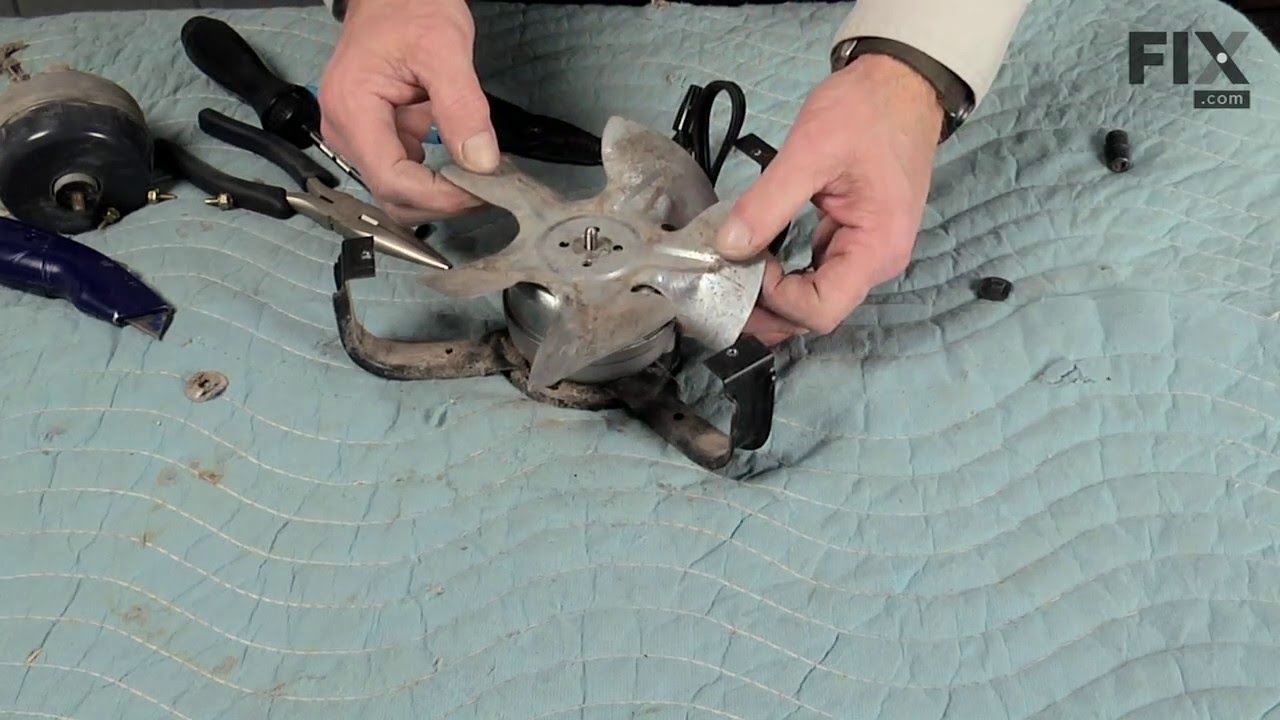
Removed the fan blade.
removed 3 screws holding the condenser fan.
Remove the 3 metal brackets attached to the fan.
(First note which studs the brackets are attached to. Attach the 3 metal brackets to the new fan. (New screws were supplied)
Cut ... Read more and strip the wire about two inches from the fan.
Cut and strip the new wire. I cut the new wire in half (about 6 inches.) Connect the two wires, twist and used 2 wire nuts. Tie wrap the wire to the wire harness. Mount the new fan (three screws)
Screw the back panel back on.
Mount the new
Removed the screws holding the back panel.
Removed the fan blade.
removed 3 screws holding the condenser fan.
Remove the 3 metal brackets attached to the fan.
(First note which studs the brackets are attached to. Attach the 3 metal brackets to the new fan. (New screws were supplied)
Cut ... Read more and strip the wire about two inches from the fan.
Cut and strip the new wire. I cut the new wire in half (about 6 inches.) Connect the two wires, twist and used 2 wire nuts. Tie wrap the wire to the wire harness. Mount the new fan (three screws)
Screw the back panel back on.
Mount the new
Read less
Was this instruction helpful to you?
Thank you for voting!
- Customer:
- Clint from Rayville, MO
- Parts Used:
- W11384469
- Difficulty Level:
- Really Easy
- Total Repair Time:
- Less than 15 mins
- Tools:
- Screw drivers
Lights inside refrigerator not working
I used a flat-head screwdriver to pop out the old light rocker switch. Then, I unplugged the wires, plugged them into the new light rocker switch, and then popped the new switch into the hole. That's it! Lights began working again.
Was this instruction helpful to you?
Thank you for voting!
- Customer:
- Leon from Chaparral, NM
- Parts Used:
- WP68233-3
- Difficulty Level:
- Really Easy
- Total Repair Time:
- Less than 15 mins
- Tools:
- Nutdriver
Would not exit defrost mode (continual defrost)
Unplug the refrigerator. Remove face plate located in the upper back of the refrigerator compartment. Remove face place bracket on the right using nut driver. Removing these screws also frees the metal case enclosing the Defrost Timer. Pull the case away from the back of the refrigerator exposing the Defrost timer. Remove the electri
... Read more
cal plug from the Defrost Timer. Then remove the Defrost Timer from the case by removing the two screws securing it. Reverse the procedure to install the new Defrost Timer.
Read less
Was this instruction helpful to you?
Thank you for voting!