
Models > DV42H5000GW

DV42H5000GW (A3-0003) Samsung Dryer

Jump to:

Find Part by Name

Keep searches simple, eg. "belt" or "pump".

Diagrams for DV42H5000GW

Viewing 6 of 6
Keep searches simple, eg. "belt" or "pump".
This idler pulley assembly includes the pulley wheel and bracket, and is located near the motor in compatible dryer models. It maintains tension on the dryer belt, allowing the drum to rotate smoothly...
In Stock
Order now and your part arrives by Jun 7
This dryer drum support roller and axle assembly includes the roller shaft and mounting clips, and is designed to support the drum as it rotates during operation. Engineered for durability and smooth ...
In Stock
Order now and your part arrives by Jun 7
In Stock
Order now and your part arrives by Jun 7
In Stock
Order now and your part arrives by Jun 7
In Stock
Order now and your part arrives by Jun 7
Leveling leg supports the dryer. Adjust the height of the leveling leg to make the dryer level.
In Stock
Order now and your part arrives by Jun 7
In Stock
Order now and your part arrives by Jun 7
In Stock
Order now and your part arrives by Jun 7
In Stock
Order now and your part arrives by Jun 7
On Order
In Stock
Order now and your part arrives by Jun 7
This manufacturer-approved screw is for refrigerators, including Kenmore refrigerator model. Avoid cross-threading refrigerator screw during installation.
In Stock
Order now and your part arrives by Jun 7

Questions and Answers

Be the first to ask our experts a question about this part!

Common Problems and Symptoms for DV42H5000GW

Viewing 4 of 4
Noisy
Fixed by these parts
Fixing Fixing Fixing
How to fix it
Drum Not Spinning
Fixed by these parts
Fixing
How to fix it
Won’t Start
Fixed by these parts
Fixing
How to fix it
Not Heating
Fixed by these parts
Fixing
How to fix it
Keep searches simple. Use keywords, e.g. "leaking", "pump", "broken" or "fit".
Customer:
Tad from MINOT AFB, ND
Parts Used:
DC97-16782A
Difficulty Level:
Easy
Total Repair Time:
30 - 60 mins
Tools:
Screw drivers, Socket set, Wrench set
Loud noise like boots being ran through the dryer
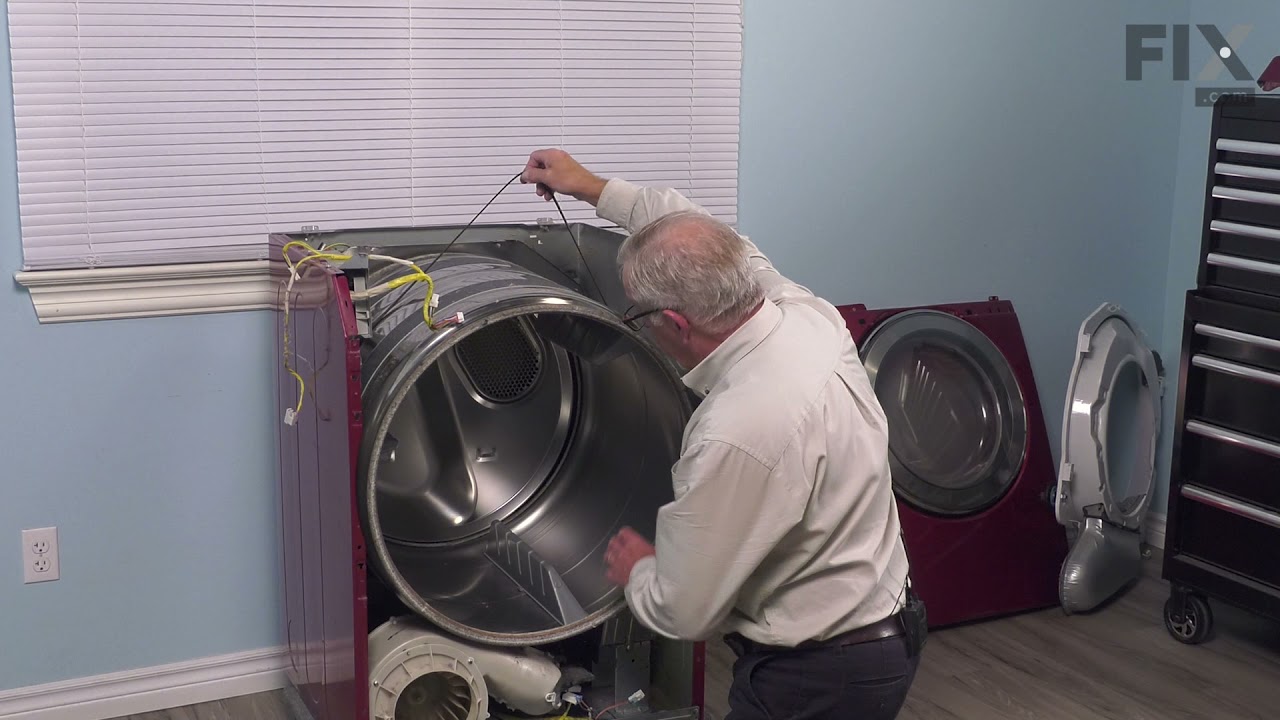
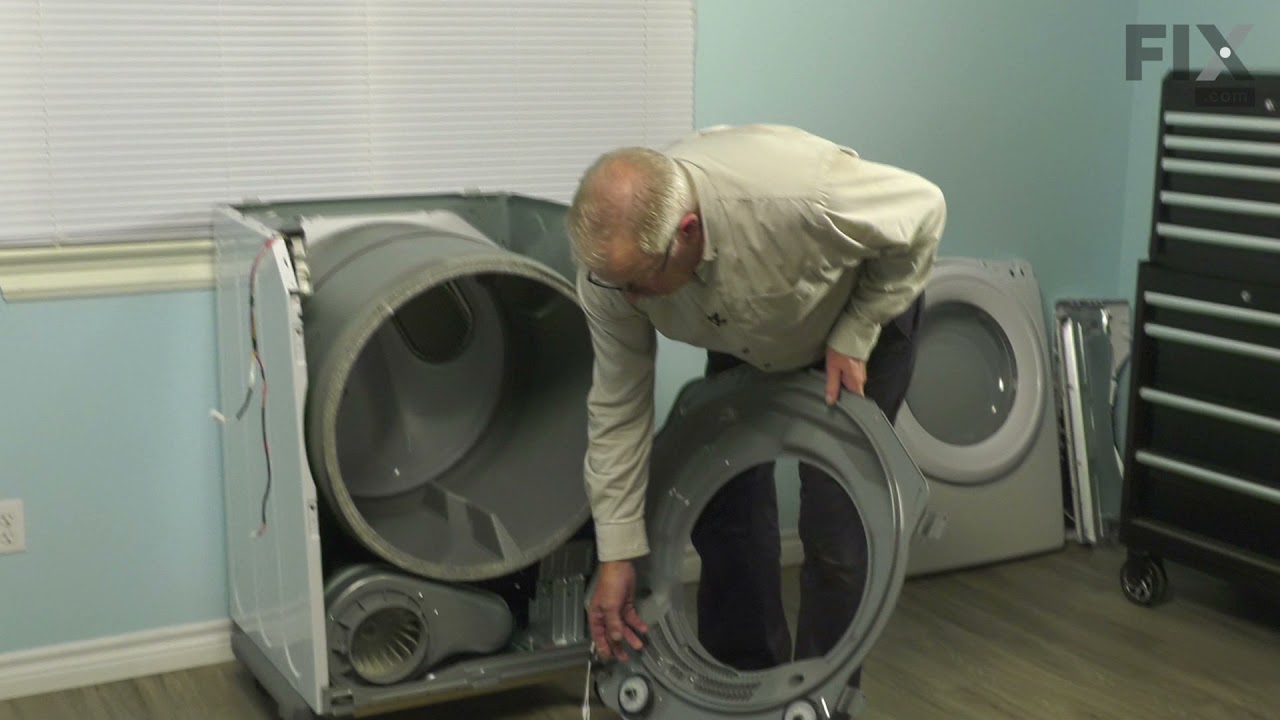
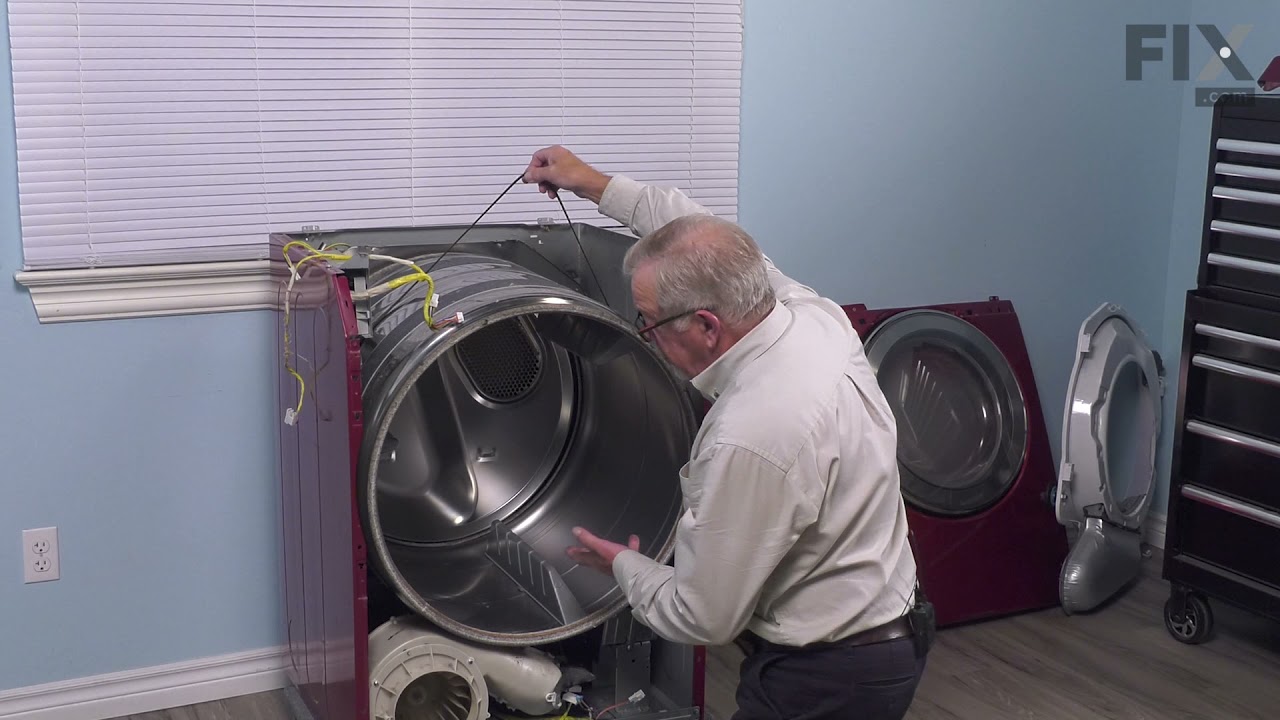
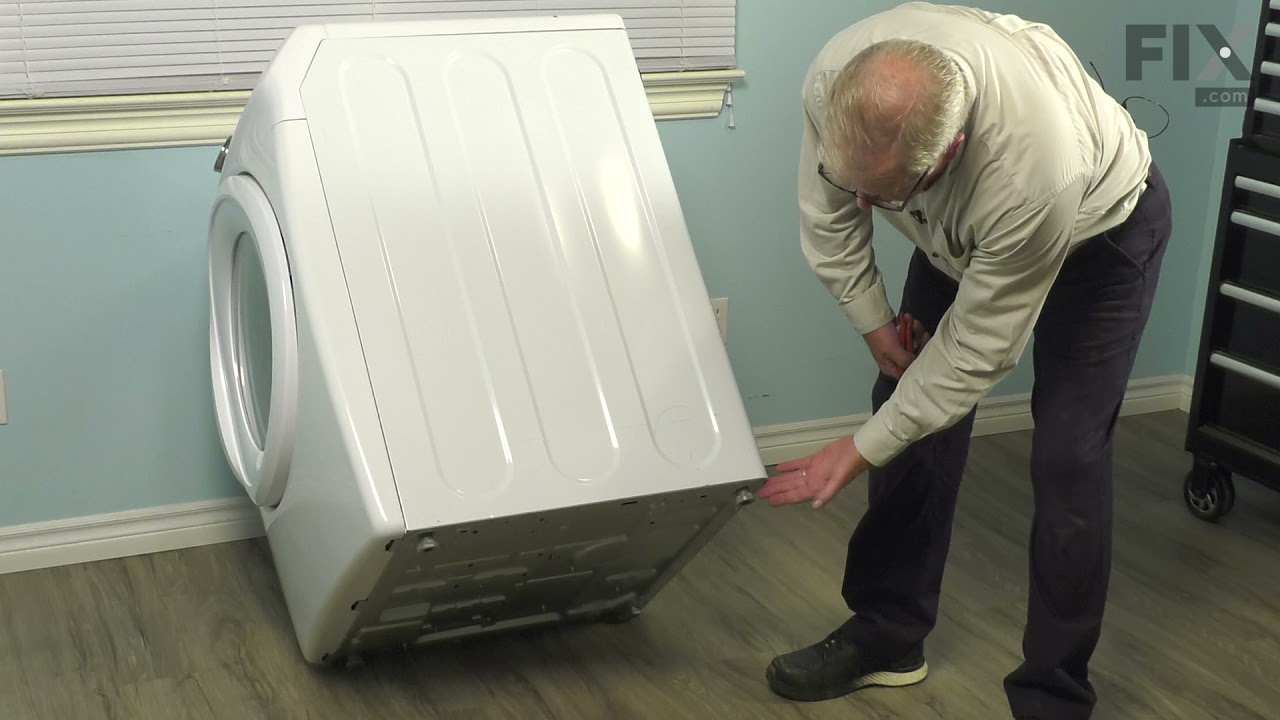
YouTube, YouTube, YouTube. I YouTubed many videos on how to take a dryer apart to reach the drum support roller and axle. After watching numerous videos, I settled on one that had my exact model of dryer. For my dryer, previous inputs said I needed two rollers to for my model. That is not the case. My model actually has 4 rollers, 2 in th e front and two in the back. I ordered 2 initially but only needed 1 thankfully since only one roller was bad. Keep it simple stupid is how I got it done. Dryer's are pretty simple machines mechanically. Don't trash your noisy dryer. We bought ours in 2014 and it only recently started giving us issues. This is after 2 moves and being run daily for a family of 6. I'm glad I found partselect.com. They saved me a ton of money.
28 of 42 people found this instruction helpful.
Was this instruction helpful to you?
Thank you for voting!
Customer:
Vicky from BLOOMSBURY, NJ
Parts Used:
DC93-00634A, DC61-01228A
Difficulty Level:
Really Easy
Total Repair Time:
30 - 60 mins
Tools:
Screw drivers
Belt fell off because of belt roller on the tensioner melted, ciezed and fell off
Watched a video on utube, how to repair my 16 month old steam dryer. The hardest part was laying on my belly holding the spring loaded tensioner and slipping the belt on around the blower housing. Only cost me $23. Winning!
16 of 26 people found this instruction helpful.
Was this instruction helpful to you?
Thank you for voting!
Customer:
Eric from CHAMBERSBURG, PA
Parts Used:
DC61-02627A
Difficulty Level:
Easy
Total Repair Time:
30 - 60 mins
Tools:
Screw drivers
Dryer getting warm but turning off before clothes dry
Cleaned the sensors from inside the drum with alcohol and that did not work. Ordered two sensors. Lift top cover. Remove screws on each of the front side that secures front cover. Unplug door sensor and pull front cover towards you and lift at same time removing from frame. I own dogs and immediately noticed dog hair and surprisingly lint all over the place. Remove the screws from the lint trap. (Theres one you access from inside the drum.) Unplug your sensor wires. Remove lint trap. The sensors simply push in/out. While I was in there I removed the cover for the lint tube and cleaned it out good. Lint had started to gather around the fan. Reverse your process and your done. TIP: Keep your screws orderly as you unscrew them. If you have this problem, just a good cleaning of hair, lint, dirt may do the trick as it essentially packs around the plug of the sensors. I had already ordered my sensors so I just put them in. I took my time and cleaned good and it was about an hour. It could be done in 15-30 minutes easily.
11 of 19 people found this instruction helpful.
Was this instruction helpful to you?
Thank you for voting!